
Topic: Maintenance
Updates, backups, migrations and monitoring: what a WordPress site needs to stay fast, secure and online.
A WordPress site needs a little attention every month: plugins to update, backups to check, a host to keep an eye on. Here I show how to back up a WordPress site for free, how to check which WordPress version your site runs and what to do about a white screen after an update.
Would you rather not deal with it yourself? The guide to WordPress maintenance plans explains what a good plan should include and what it costs. I also offer monthly WordPress maintenance: tested updates, off-site backups, monitoring and back online within 4 hours.
All articles
Maintenance
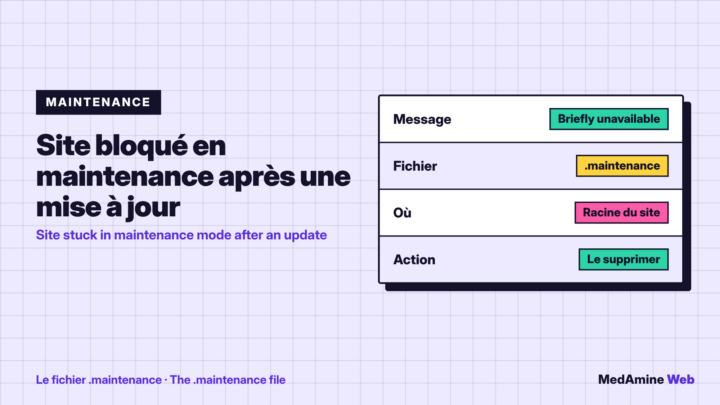
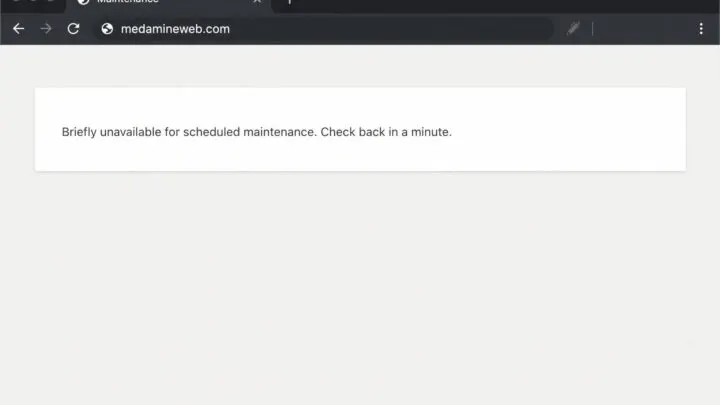
What should you do if WordPress is stuck in maintenance mode?
Why WordPress stays stuck after an update, how to delete the .maintenance file and how to stop it from happening again on your site.
Maintenance
WordPress 404 error, causes and how to fix it step by step
Why your WordPress pages show a 404 error and how to fix it: resave permalinks, check the .htaccess file, enable rewriting and redirect old addresses.
Maintenance
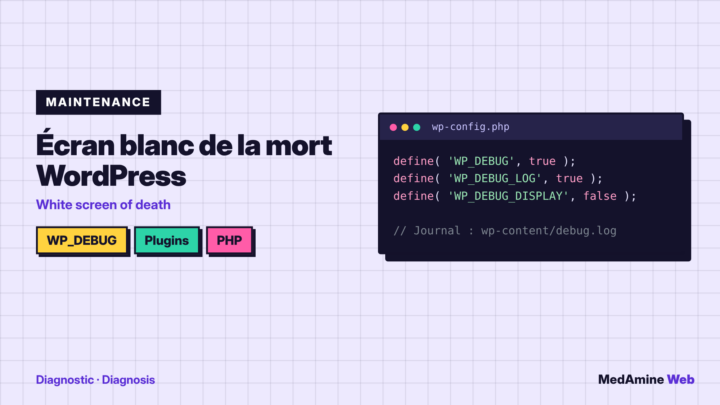
How to fix the WordPress white screen of death
How to diagnose a blank screen on WordPress: turn on the error log, deactivate plugins, test the theme, raise PHP memory and restore a backup.
Maintenance
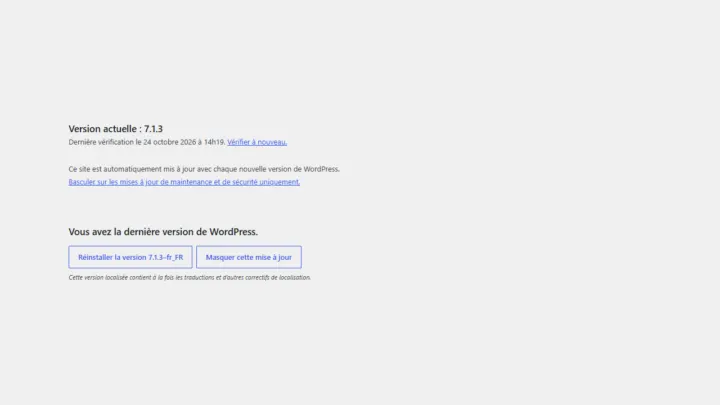
How to check which version of WordPress your site runs
Where to find the WordPress version in the admin, what to do when you can't log in, and how to tell whether it's recent enough.
Maintenance
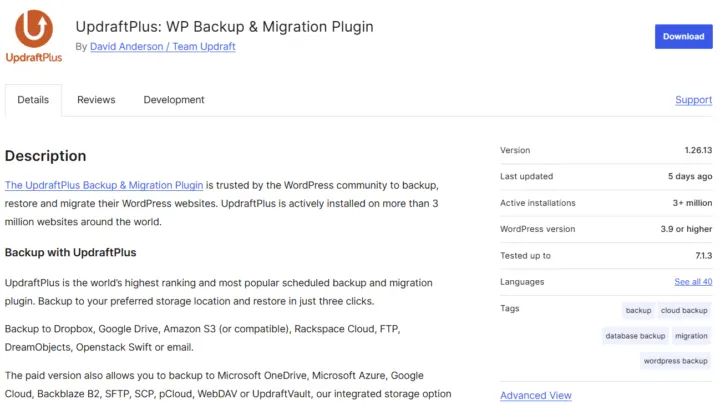
How to back up a WordPress site for free
What to back up, three free ways to do it, how often, and how to test a restore before you need one.

Maintenance
Cheap web hosting: the traps to avoid
What hides behind the teaser price of budget hosting, and how to pick an affordable plan for WordPress without giving up speed or security.
Maintenance
WordPress maintenance plans: what they include and cost
What a WordPress maintenance plan should include, the prices you'll see on the market and the questions to ask before you sign.

Maintenance
How to move WordPress to a new host without losing SEO
Changing host with no downtime and no loss of rankings: preparation, testing before the switch, the DNS change and the checks after the migration.