
A WordPress site is never “finished”. The core, the theme and the plugins change every month. A maintenance plan hands that work to a professional, as long as you know what the plan really covers.
What does a WordPress maintenance plan include?
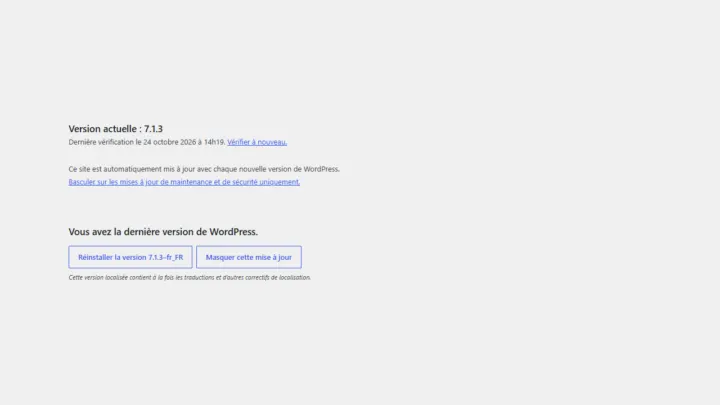
- Tested updates of the core, theme and plugins, with rollback if needed.
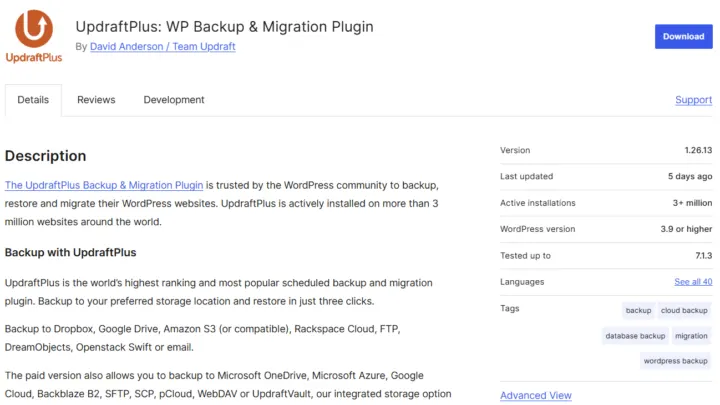
- Regular off-site backups (files and database), stored away from the server.
- Security: firewall, malware scanning, account checks.
- Uptime monitoring, with an alert if the site goes down.
- A clear report of what was done and found.
- Depending on the plan: small changes, speed optimisation, included support time.
How much does maintenance cost per month?

Published prices vary with the scope. As a benchmark, here is what the public sources I checked show:
| Type of plan | Observed range |
|---|---|
| Preventive maintenance | €40 to €100 / month before VAT |
| Outsourced maintenance | €200 to €500 / year |
The price goes up with the size of the site, a WooCommerce store, more frequent backups and more included hands-on time.
Should I sign up for a fixed term?
A yearly commitment can lower the monthly price, but a contract with no minimum term leaves you free to leave if the service doesn’t suit you. Either way, ask for a written list of what’s included and the response time when the site goes down.
Maintenance or managed hosting?
Maintenance looks after the WordPress site. Managed hosting adds the server: system updates, resource monitoring and hosting configuration. It makes sense if your site runs on a dedicated server or a VPS.
What happens when something breaks?
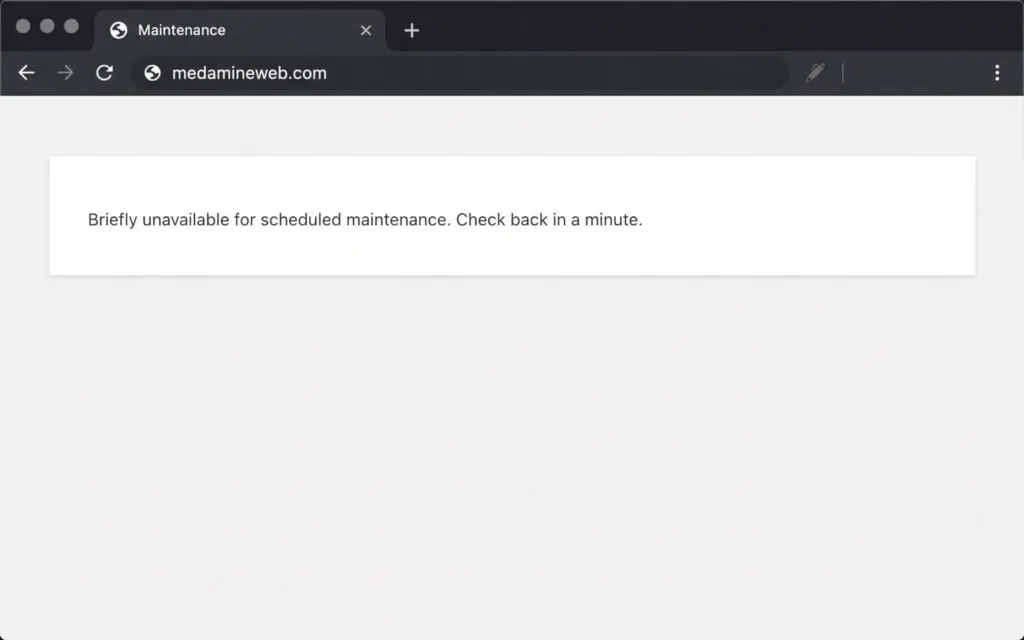
This is the question that separates one plan from another. Is a hacked site, or one broken by an update, repaired within the plan or billed separately? How fast does someone pick it up? Get the answer in writing before you sign.
Preventive, corrective or ongoing maintenance?
| Type | Goal | Examples |
|---|---|---|
| Preventive | Avoid outages and hacks | Updates, backups, monitoring |
| Corrective | Fix problems when they happen | Critical error, broken plugin, hacked site |
| Ongoing | Grow the site | New page, new feature, optimisation |
Every plan covers preventive maintenance. Plans mostly differ in what they include for corrective and ongoing work: hands-on time, response time, or separate billing.
Questions to ask before you sign
- Are updates tested before they go live?
- Where are the backups stored, how many versions are kept, and is restoring included?
- What happens if an update breaks the site?
- What is the response time when the site goes down?
- What does the report contain, and how often do I get it?
- Do I get all my logins back if I end the contract?
Can I maintain the site myself?
Yes, if you have the time and a simple site: take a backup, update one plugin at a time and check your key pages. Once the site brings in sales or leads, handing it over pays for itself, because an outage nobody notices costs more than the plan.
What now?
What you can do today:
- Check the date of your last backup and where it’s stored.
- Count the pending updates in your dashboard.
- Write down who holds the logins for your hosting and your domain name.
Dig deeper: WordPress Maintenance