
Site Lens: free security check for Joomla
Is your Joomla site running something with a known security hole? Site Lens tells you in about five seconds, from inside your administrator. Free, with no account and no key.
Joomla 5 or 6, PHP 8.1 or newer. GPLv2 or later.
Joomla tells you when an update is out. It does not tell you that an extension you rely on is on the Vulnerable Extensions List, or that a Super User has no two-step login. Site Lens puts those checks on one screen in your administrator, with the worst problems first.
What it checks
- Every third-party extension against the official Vulnerable Extensions List, using your installed version. It tells you which version fixes the problem.
- Joomla itself against the Joomla Security Centre, using the versions each advisory affects.
- Extensions with an update waiting, with no update source, or with their update site turned off.
- 17 settings attackers look for: Super Users without two-step login, forgotten Super User accounts, obvious usernames, debug mode, a leftover installation folder, forced HTTPS, unsafe upload types, text filters, open registration, PHP support and more.
What you get
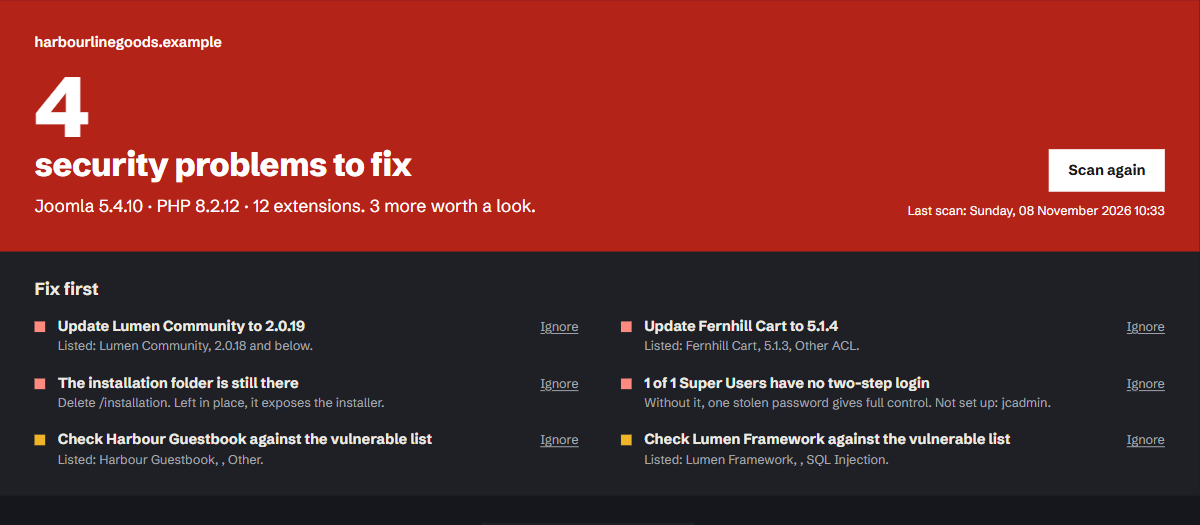
- One clear result at the top and a “Fix first” list, worst problem first, with a link to the right setting.
- The evidence for every match: the listing, the name it matched on and your version. A name too generic to be sure about is marked as a possibility, and anything wrong can be ignored in one click.
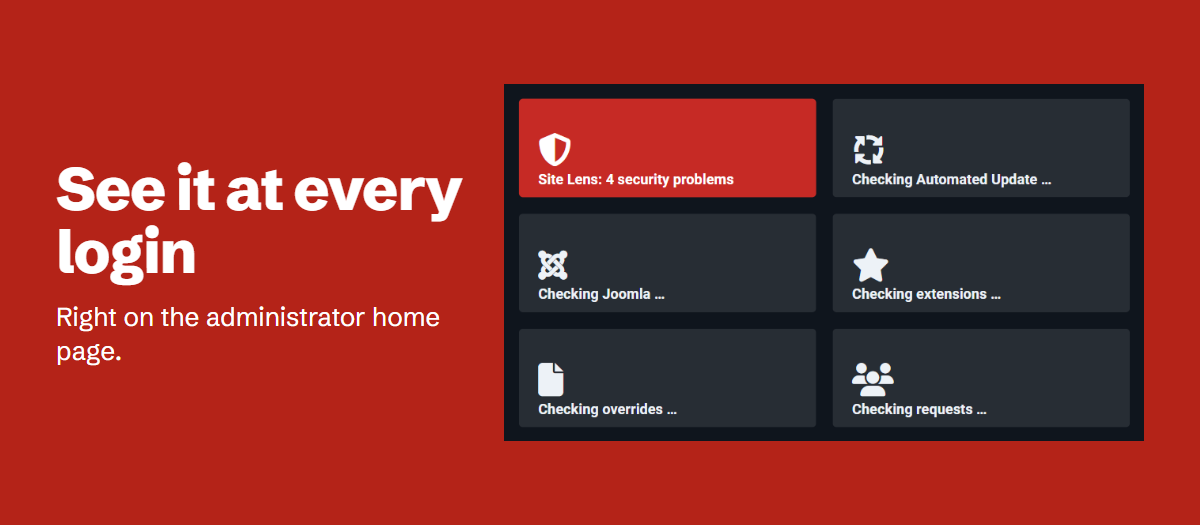
- A result on your administrator home page.
- A scheduled task that emails you only when something new appears.
- Copy report: plain text for a client or a ticket.
- Light and dark admin themes.
Privacy
Site Lens downloads three public lists: the Vulnerable Extensions List, the Joomla Security Centre feed and php.net’s supported versions. It sends nothing about your site to anyone. No account, no key, no tracking.
What it doesn’t do
The lists only cover problems that have been reported, so a clean result is not a guarantee. Site Lens does not scan files for malware and does not change your site.
Site Lens is not affiliated with or endorsed by The Joomla! Project or Open Source Matters.
Requirements
Joomla 5 or 6, and PHP 8.1 or newer (Joomla 6 itself needs PHP 8.3). Your server must be able to make outgoing web requests to fetch the public lists.
Install
- Download
pkg_sitelens-1.0.0.zip. - In your Joomla administrator, open System, then Install, Extensions.
- Upload the zip. Both Site Lens plugins are enabled for you.
Run your first scan
Open Components, then Site Lens, and press Scan this site. Press Scan again whenever you want a fresh result.
Read the result
The top of the page gives the overall result. Fix first lists what matters most, worst first. Below it, every extension and setting has its own status:
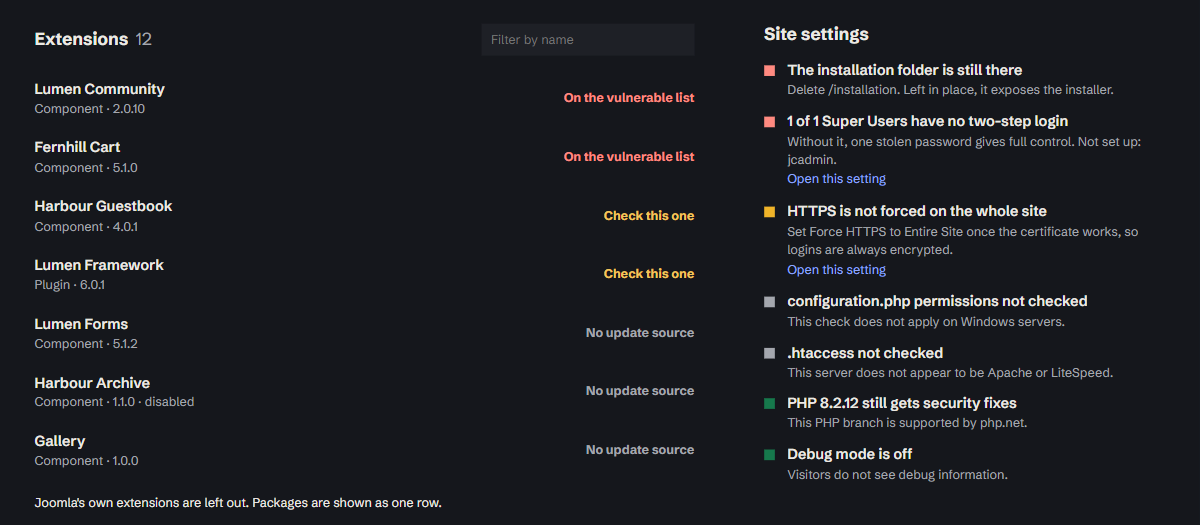
- On the vulnerable list: your installed version is affected. Update it, or remove it if no fix exists.
- Check this one: a listing matches this extension but doesn’t say which versions are affected. Check it yourself.
- No update source: the extension has no way to tell Joomla about new versions, so you need to watch for them yourself.
- No known issues: nothing on the lists matches this extension.
Ignore a finding
Press Ignore next to anything that doesn’t apply. To bring it back, use Stop ignoring.
Share the result
Copy report copies a plain text summary for a client or a support ticket.
Get an email when something new appears
- Open System, then Scheduled Tasks, and create a new task.
- Choose Site Lens – Scan and email.
- In Send to, enter email addresses separated by commas. Leave it empty to use every Super User who receives system emails.
- Keep Only new findings on Yes to be emailed only when something new has appeared since the last scheduled scan.
Administrator home page
After a scan, Site Lens shows its result in the Notifications area of the Home Dashboard. This uses the stored result and makes no web requests.
Updates
New versions appear in Joomla’s normal extension updates.
Uninstall
Open System, then Manage, Extensions, find the Site Lens package and uninstall it. Its files and its database table are removed.
Help
1.0.0 – 8 November 2026
First release.
- Checks every third-party extension against the Vulnerable Extensions List, using your installed version.
- Checks Joomla against the Joomla Security Centre, using the versions each advisory affects.
- Reports extensions with an update waiting, with no update source, or with their update site turned off.
- Audits 17 security settings.
- Ignore and restore findings.
- Shows the result on the administrator home page.
- Scheduled task that emails you only when something new appears.
- Copy report for a client or a ticket.
- Supports the light and dark admin themes.
Extension and site names in these screenshots are examples.
The report
Extensions and settings
Administrator home page
More free tools
-
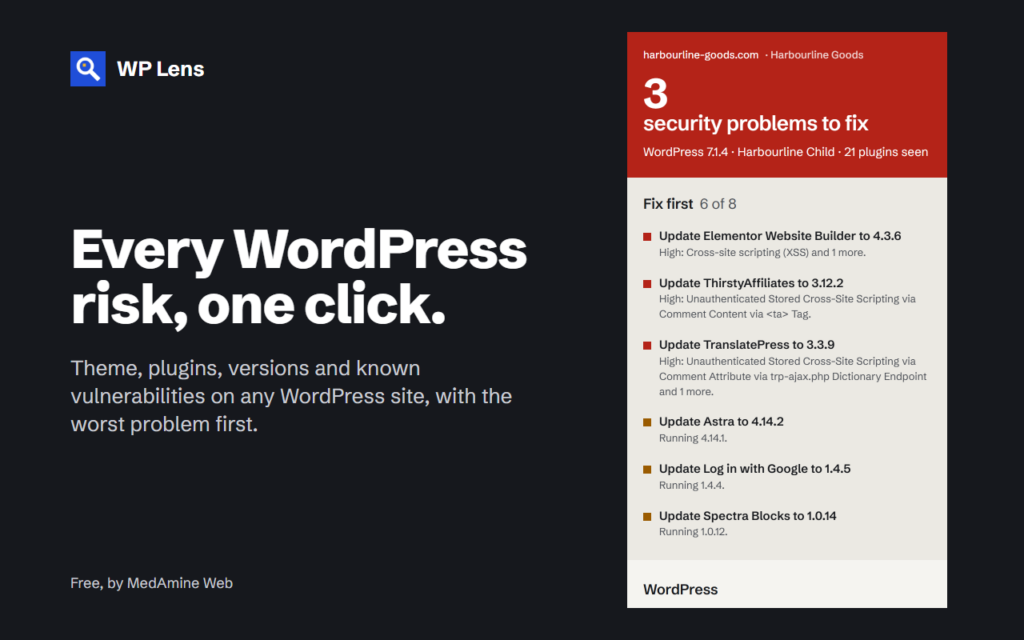
Chrome extension
WP Lens
See the theme, plugins and known vulnerabilities of any WordPress site, in one click from Chrome.
-
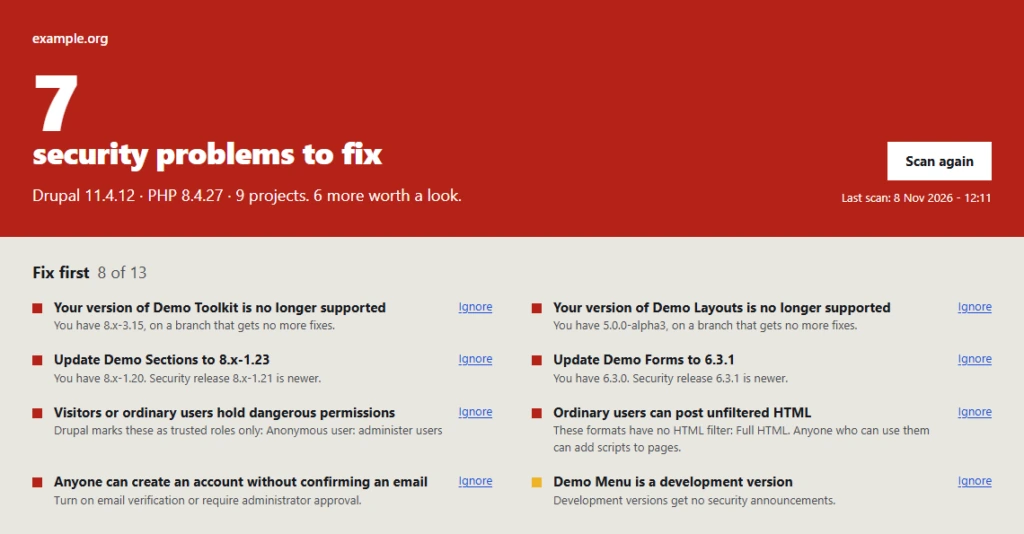
Drupal 10, 11 and 12
Site Lens for Drupal
Security releases, modules with no coverage or maintainer, and 19 permissions and settings on one admin screen.