
WP Lens: WordPress theme, plugin and security checker
Free Chrome extension. Version 1.0.0. No account needed.
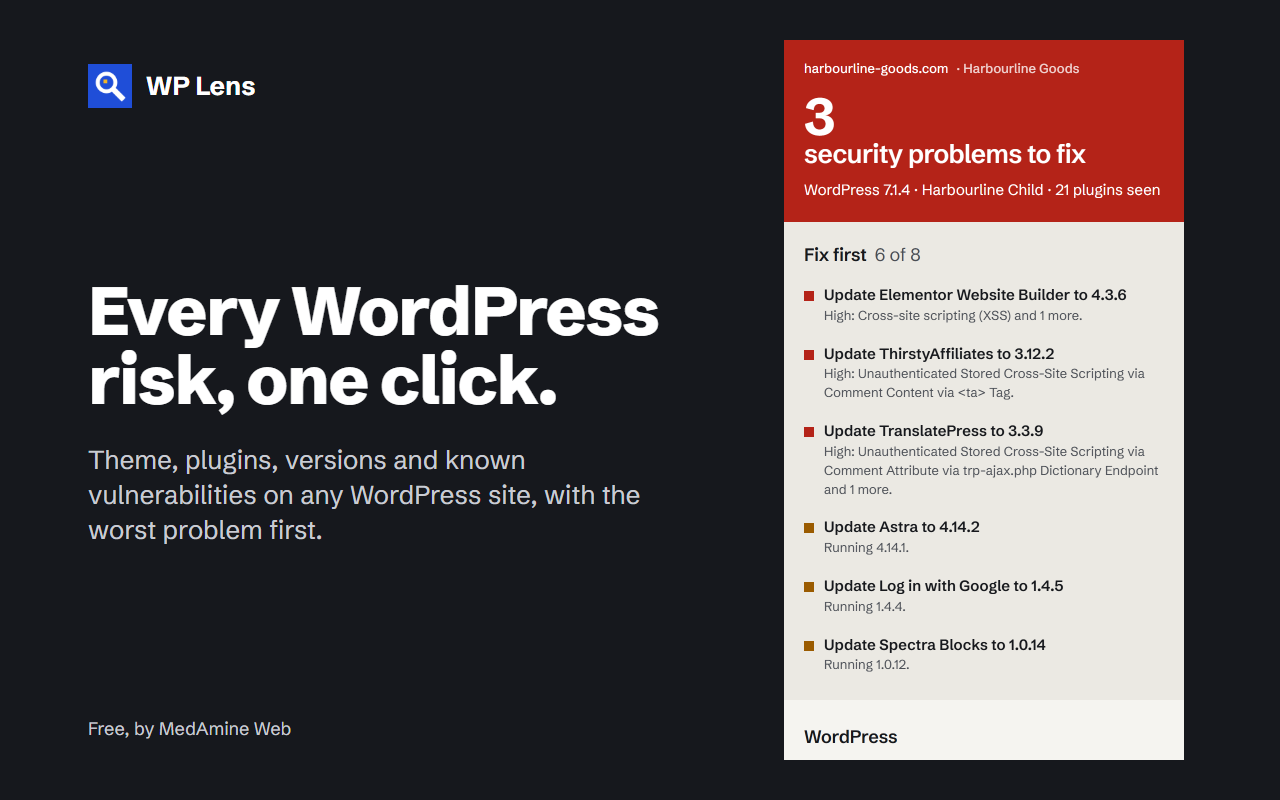
WP Lens shows you what a WordPress site is running without logging in to it. Click the button on any site and you get the WordPress version, the theme, the plugins that leave traces on public pages, and the known vulnerabilities for those versions.
What it checks
- Whether the site runs WordPress, which version, and whether WordPress.org lists that version as insecure.
- The active theme and parent theme, with screenshot, version and any update waiting.
- Plugins that leave traces on public pages, with version, latest version and active installs.
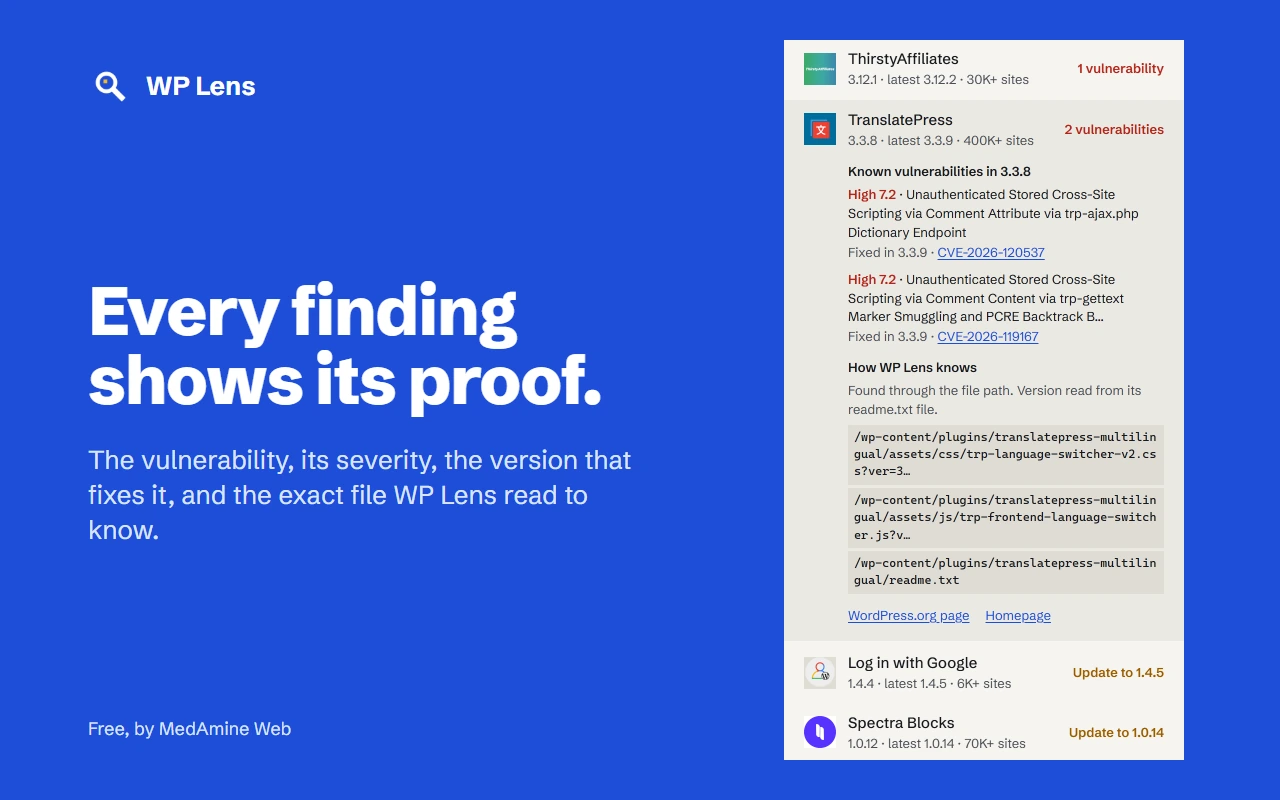
- Known vulnerabilities for the detected versions, with severity, the version that fixes them and a link to the advisory.
- Plugins closed by WordPress.org, and premium or custom plugins.
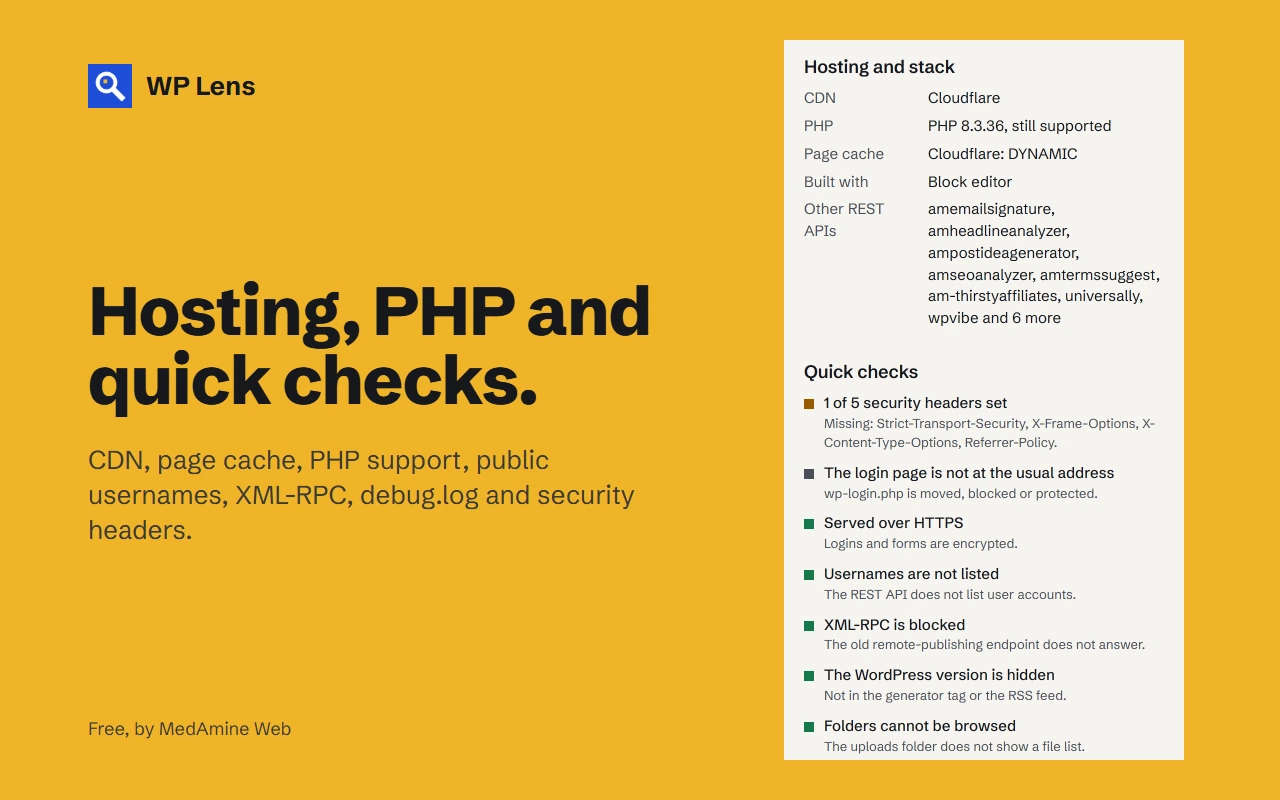
- Hosting, CDN, page cache, page builder and PHP version, including whether that PHP version still gets security fixes.
- Quick checks: HTTPS, public usernames, XML-RPC, public WordPress version, browsable folders, a public debug.log and security headers.
What you get
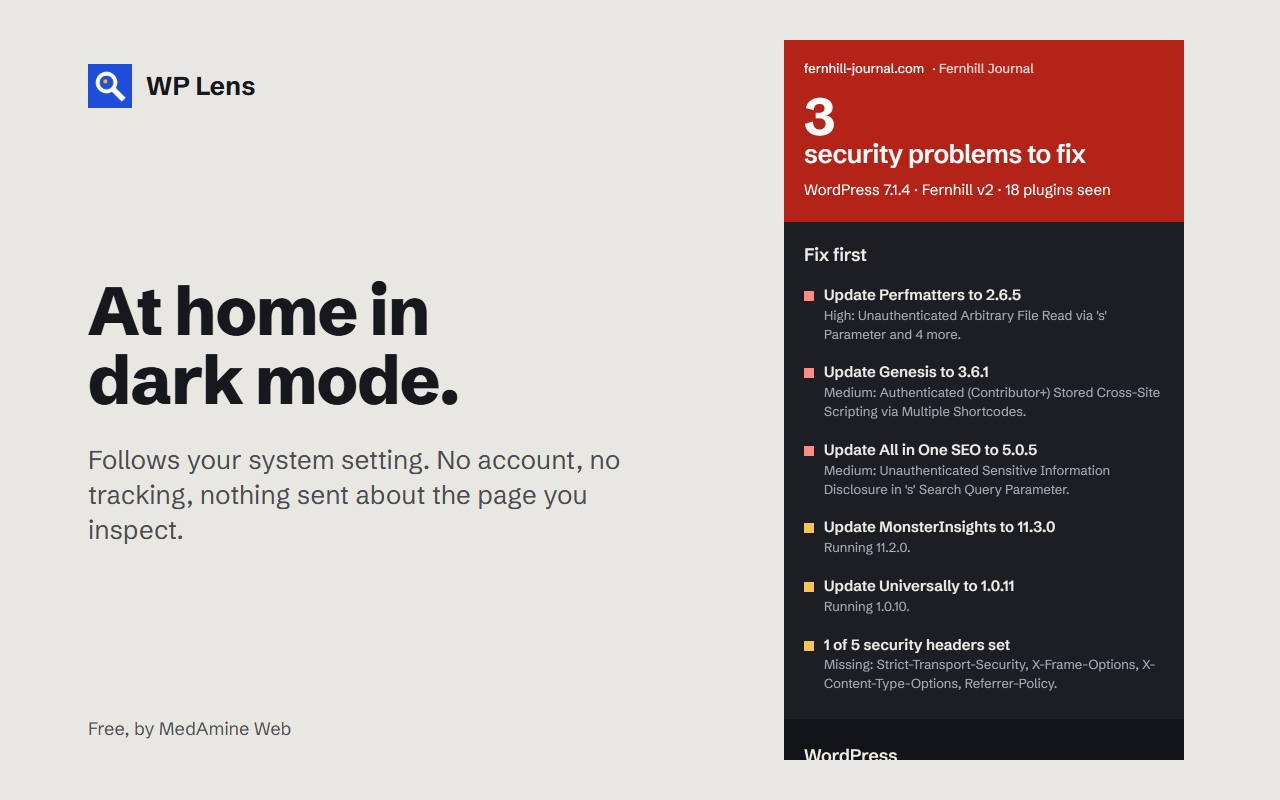
- A Fix first list, ordered by severity.
- The source of every finding: the file path, comment or REST namespace it came from.
- Copy report: a plain text summary for an email, a ticket or a proposal.
Who it is for
Freelancers and agencies auditing a prospect’s site, owners checking their own, and anyone curious about how a site is built.
Privacy
WP Lens has no account, no analytics and no tracking. To check for updates and vulnerabilities, it sends public plugin and theme names and version numbers to api.wordpress.org and wpvulnerability.net. It never sends the address of the page you inspect, your cookies or anything you type. The privacy policy has the details.
Limits
WP Lens only sees what a site shows in public, so a plugin that leaves no trace will not appear. Vulnerability data only covers problems that have been reported, so a clean result is not a guarantee.
Found a problem on your own site? I do WordPress repair and hacked site cleanup, and there is a free WordPress audit if you want a second opinion.
WP Lens is not affiliated with or endorsed by the WordPress Foundation.
Requirements
Google Chrome. No account or key.
Install
- Open WP Lens on the Chrome Web Store.
- Press Add to Chrome.
- Optional: pin WP Lens to the toolbar so it is one click away.
Run your first scan
Open any WordPress site and click the WP Lens button. It reads the page in the current tab and a few public files on the same site.
Read the result
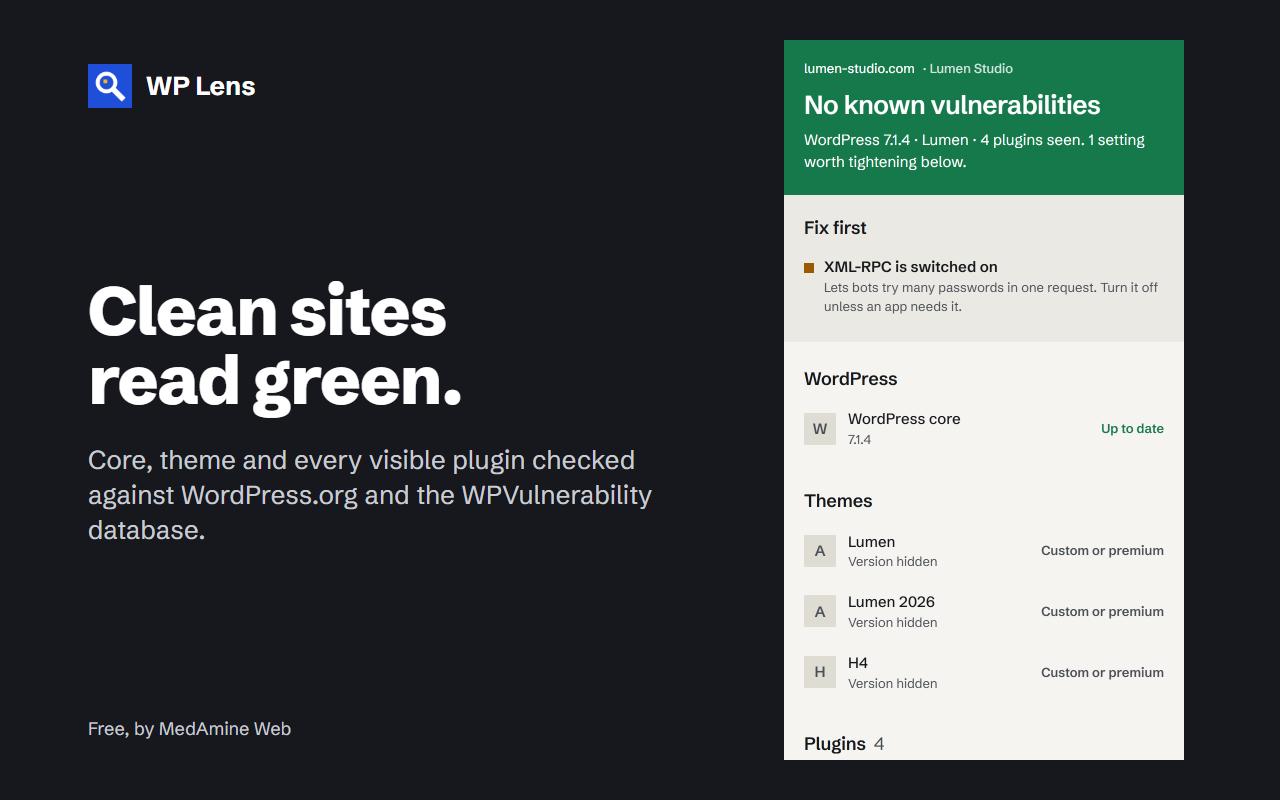
Fix first lists what matters most, by severity. Below it you find the WordPress version, the theme, the detected plugins, the hosting details and the quick checks. Each finding shows the source it came from, so you can verify it yourself.
Share the result
Copy report copies a plain text summary for an email, a ticket or a proposal.
Stored data
Lookup results are cached for up to 12 hours and the last scan for 10 minutes, in your browser’s extension storage on your own device.
Remove it
Remove the extension from Chrome. Its stored data is deleted with it.
Help
1.0.0 – 8 November 2026
First release.
- Detects WordPress, its version, the theme and plugins from public pages.
- Reports known vulnerabilities, closed plugins and PHP versions out of support.
- Quick checks for HTTPS, public usernames, XML-RPC, browsable folders, debug.log and security headers.
- Fix first list and Copy report.
The report
Proof for every finding
A clean site
Hosting and quick checks
Dark mode
More free tools
-
Joomla 5 and 6
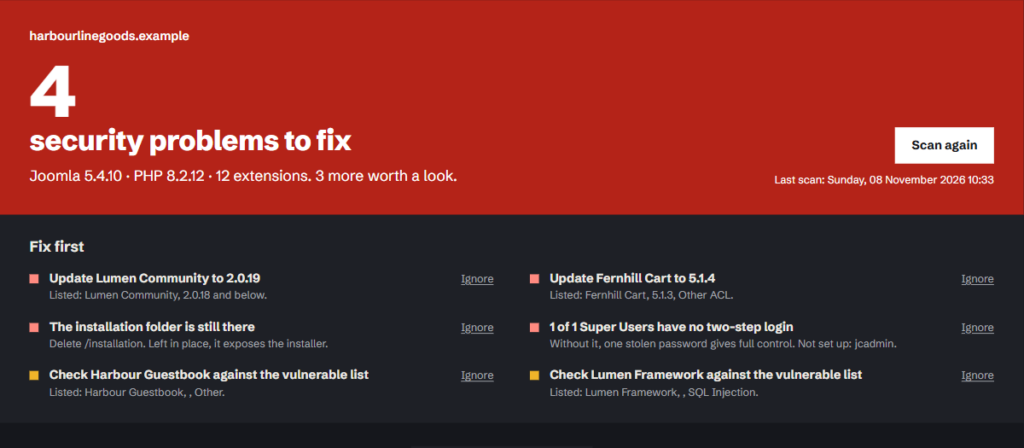
Site Lens for Joomla
Checks your extensions against the Vulnerable Extensions List and audits 17 security settings from the Joomla admin.
-
Drupal 10, 11 and 12
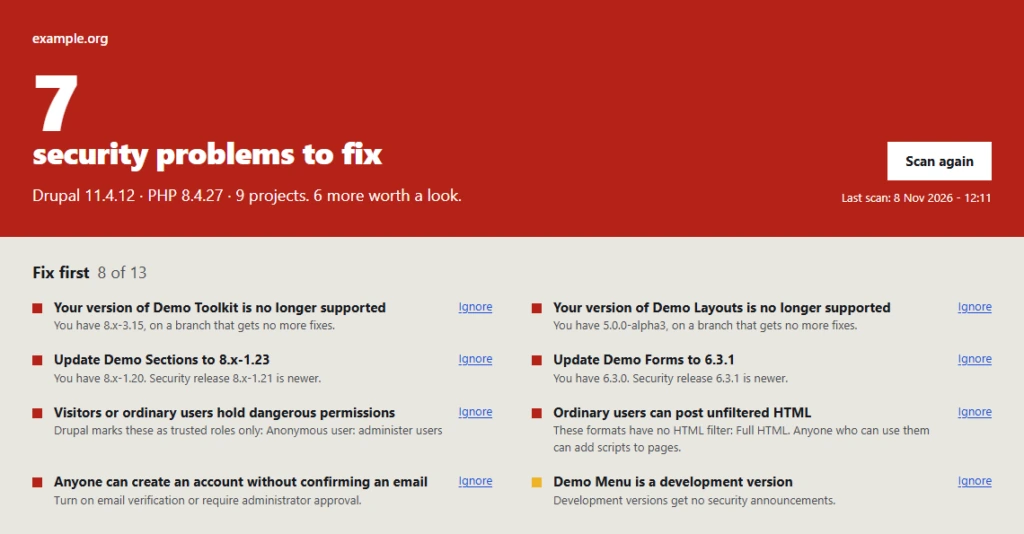
Site Lens for Drupal
Security releases, modules with no coverage or maintainer, and 19 permissions and settings on one admin screen.