
Changing host shouldn’t affect your rankings, because the URLs don’t change. Problems come from long downtime, an incomplete site or lost email. Here is how to avoid them.
Does a migration hurt SEO?
Not if the domain and URLs stay the same and the site stays online. Google may crawl more slowly for a few days while it gets used to the new server, with no lasting effect. The SEO risk mostly applies to migrations that change the domain or URLs, and those need 301 redirects.
How do you migrate WordPress with no downtime?
- Back up the files and database, and note the configuration (PHP version, scheduled tasks, email).
- Lower the TTL of the DNS records a few days ahead.
- Copy the site to the new host and adjust
wp-config.php. - Test the site before the switch by pointing the domain at the new server on your own computer only (hosts file).
- Switch the DNS, then install the SSL certificate.
How long does DNS propagation take?
It depends on the records’ time to live (TTL). With the TTL down to a few minutes, most visitors reach the new server quickly. Keep the old hosting running for a few days until everyone has switched over.
What to check after the migration
- The key pages, the forms and the checkout if there’s a store.
- The HTTPS certificate and that there’s no mixed content.
- Scheduled tasks and the site’s outgoing email.
- Search Console: crawl errors and indexed pages.
Can I migrate on my own with a plugin?
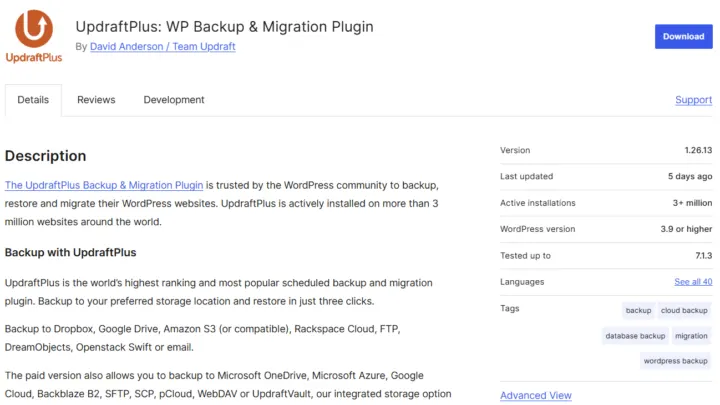
For a small site, a migration plugin often works. For a large site, a store or a custom server setup, a manual migration is more reliable: you control every step and avoid the plugins’ size limits.
What if the domain name changes too?
That’s a different situation. Every old URL has to 301-redirect to the same page on the new domain, and you need to use the Change of Address tool in Search Console. Keep the redirects for at least a year, and keep the old domain for as long as you can.
- Redirect each URL on the old domain to its exact equivalent.
- Update internal links and the sitemap.
- Declare the change of address in Search Console.
- Let partner sites that link to you know.
Common mistakes
- Forgetting the server-side scheduled tasks (cron).
- Leaving the old development URL in the database.
- Shutting down the old hosting too early, before DNS propagation is complete.
- Not copying the email records (MX, SPF, DKIM).
- Changing PHP version at the same time as the host. Deal with one problem at a time.
wp search-replace 'https://old-domain.com' 'https://new-domain.com' --dry-runWhat now?
What you can do today:
- Note the PHP version and scheduled tasks on your current hosting.
- Check who manages your DNS and your email.
- Plan the switch for a low-traffic period.
Dig deeper: WordPress Migration