
The robots.txt file is one of the smallest files on a site, and one of the riskiest. One line too many and Google no longer sees your pages.
Here is what it really does, how to edit it on WordPress and how to avoid the common mistakes.
What is the robots.txt file for?
According to Google, it tells crawlers which URLs they can visit. It mainly manages crawler traffic, for example to avoid overloading the server, and keeps crawlers away from pages of little value.
Serious crawlers, Googlebot included, respect it. Others may ignore it, so it is not a protection.
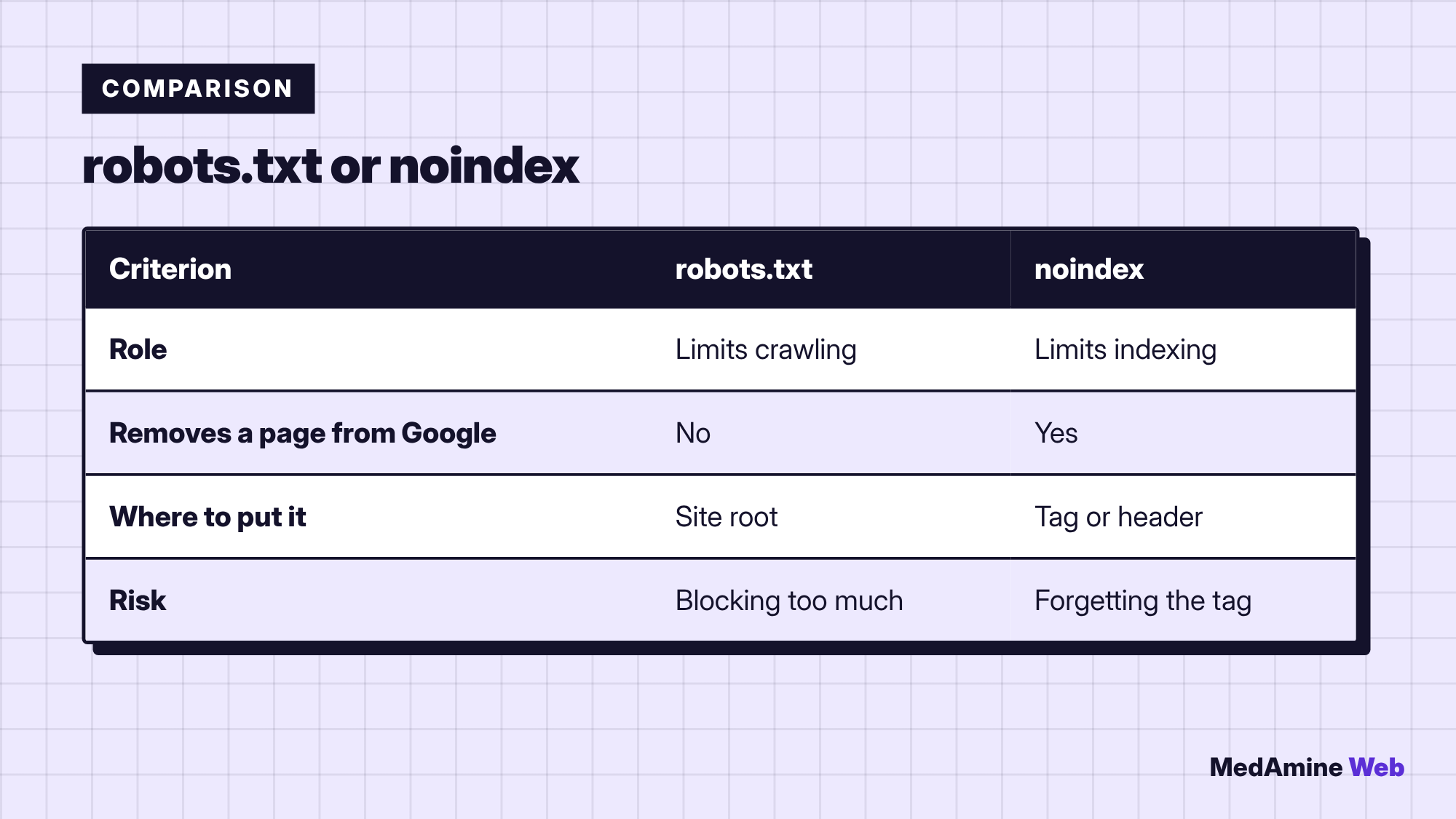
Does robots.txt remove a page from Google?
No. The documentation states that it is not a mechanism for keeping a page out of Google. A disallowed page can stay visible if other sites link to it, often without a description.
To remove a page from results, use a noindex directive, as I explain in noindex on a WordPress page.
Where is the file on WordPress?
It must sit at the root of the domain, at /robots.txt. If no file exists, WordPress can generate a virtual one. A physical file placed at the root takes precedence.
SEO plugins such as Yoast, Rank Math or SEOPress offer an editor that saves you the FTP trip. To compare them, read the Yoast, Rank Math and SEOPress comparison.
How do you edit robots.txt step by step?
- Open the file editor of your SEO plugin, or connect over FTP.
- Copy the current content into a backup file.
- Change one rule at a time.
- Save, then open
/robots.txtin the browser to check. - Test an important URL with the Search Console inspection tool.
Which rules should you write for a WordPress site?
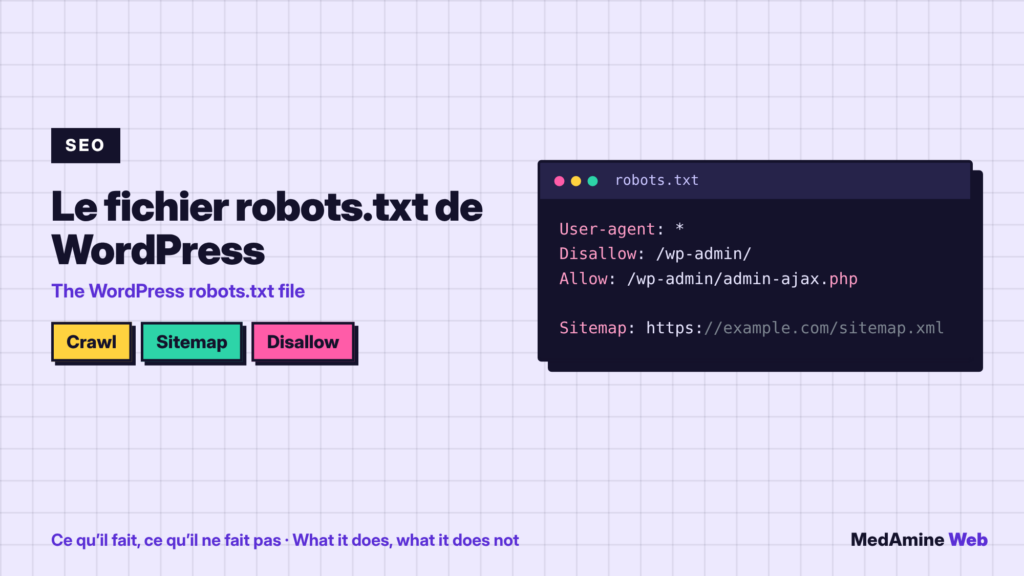
A common example excludes /wp-admin/, allows admin-ajax.php and gives the sitemap address. It is a starting point to adapt, not a universal rule.
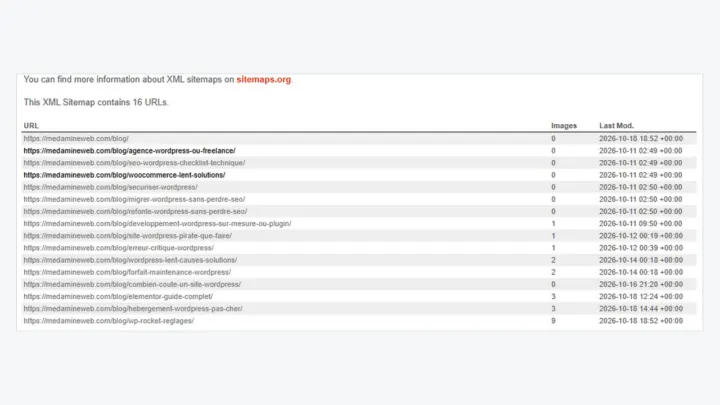
Do not add a rule without knowing what it blocks. Do not block the scripts and styles Google needs to understand your pages. The Sitemap line is completed with the WordPress sitemap.
Which mistakes block an entire site?
- A
Disallow: /line left behind after a test phase. - A rule copied from another site without being read.
- A robots.txt that blocks the page you want to deindex with noindex.
- A file edited in production without a backup.
Can you hide a private page with robots.txt?
No, and it backfires: the file is public, so it reveals the paths you want to hide. Protect the page with a password or a server access rule instead.
Should you edit it at every site change?
No. Review it after a redesign, a migration or a change of SEO plugin. It is a check I include in the technical SEO checklist.
Also keep a record of every change: the date, the rule added and the reason. When traffic drops six months later, this small history saves you from searching blindly.
What now?
What you can do today:
- Open your robots.txt address in the browser and read every line
- Check that no Disallow line blocks the whole site
- Confirm that the Sitemap line points to the right address
Dig deeper: WordPress SEO Consultant