
Some pages have no business in Google: thank-you pages, test pages, internal search results. Hiding them takes the right directive, not the best known one.
Here is how to set a page to noindex, check it and avoid the mistake that makes the tag useless.
What does the noindex tag do?
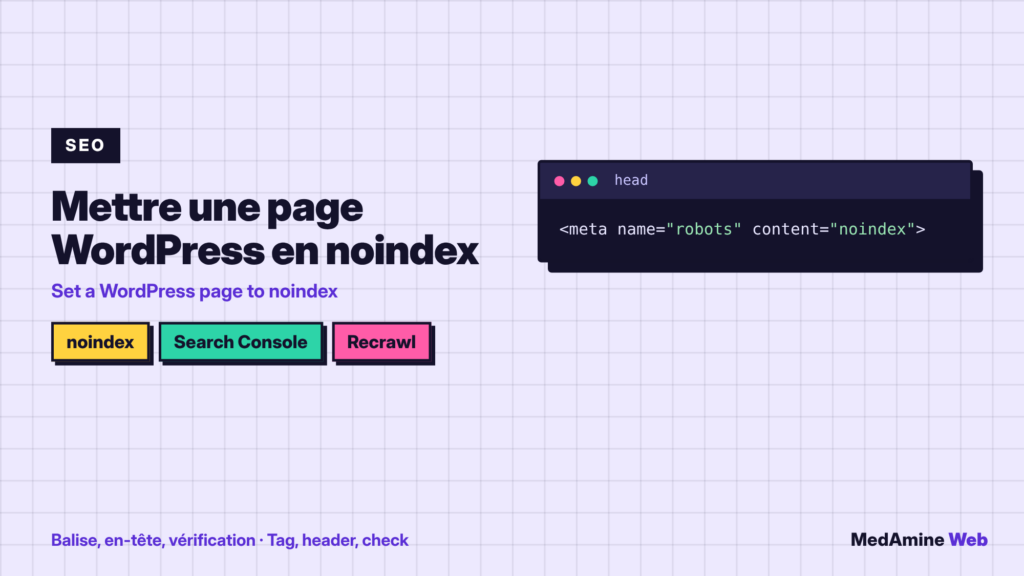
It asks search engines not to show the page in their results. According to Google, you place it in the robots meta tag of the page code, or in an HTTP header.
The page stays reachable by its address. It only disappears from search results.
How do you set it with an SEO plugin?
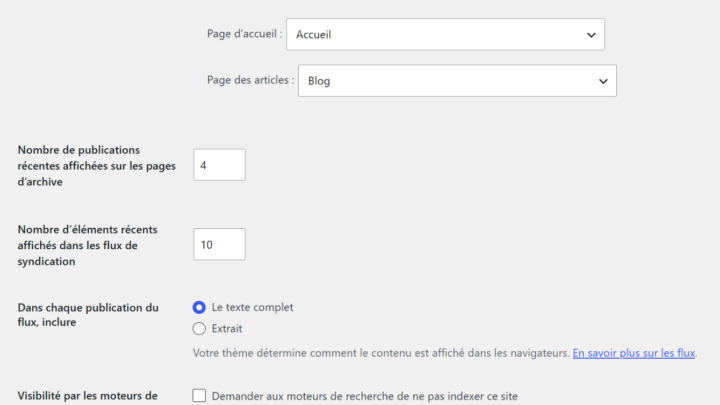
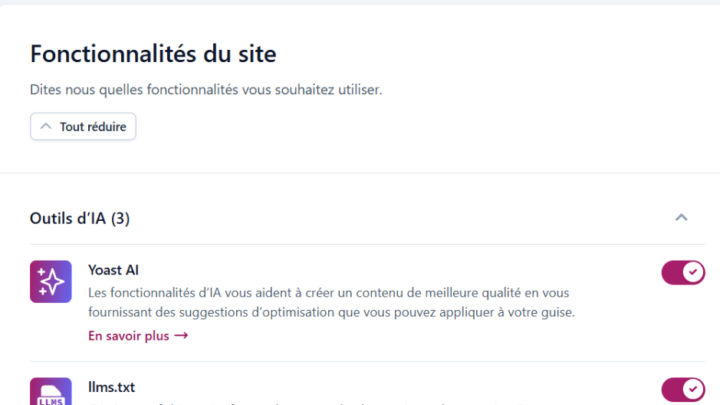
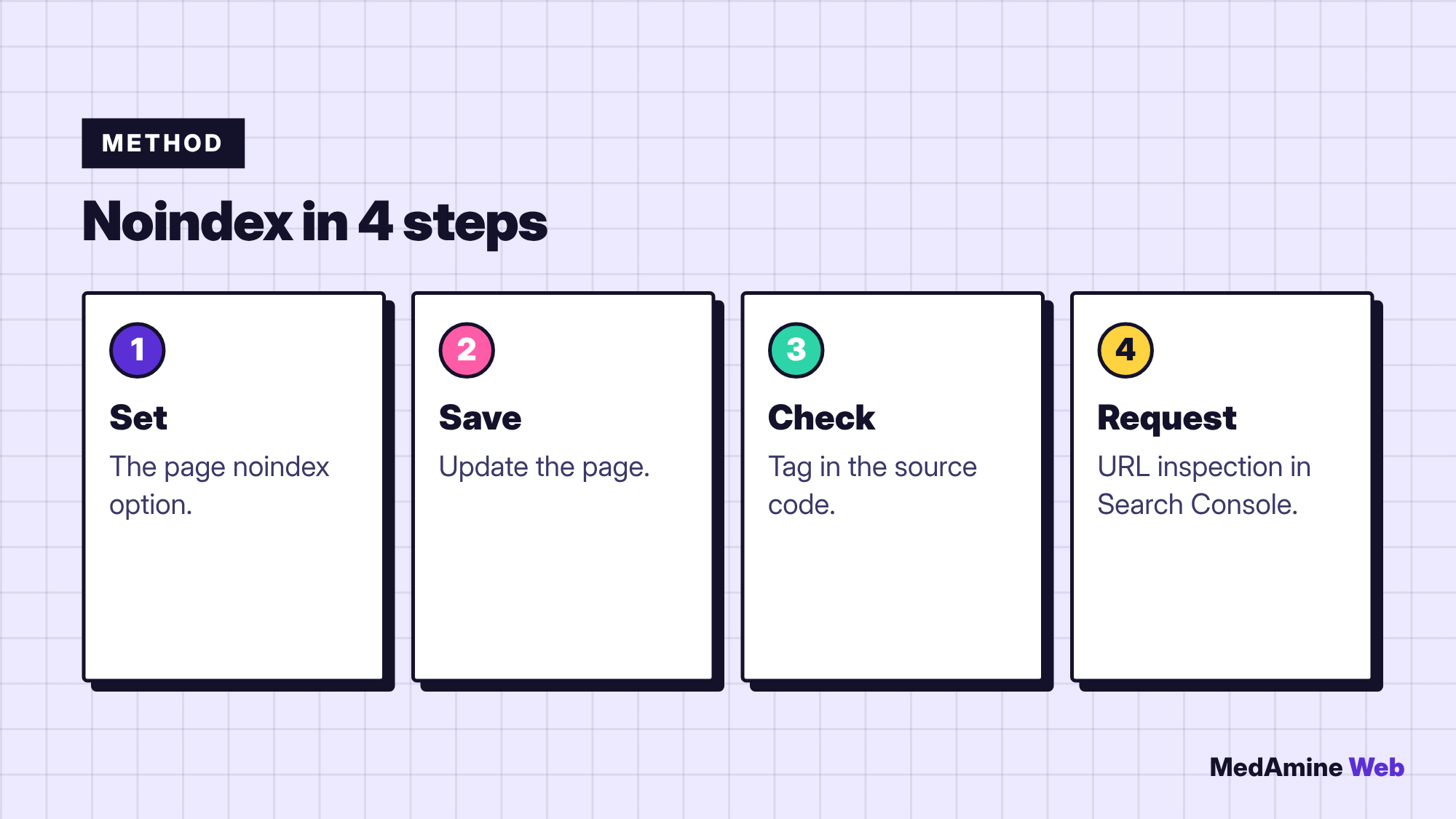
In Yoast, Rank Math or SEOPress, the edit screen offers an option to stop search engines from showing the page. Tick it and update the page. For the overall setup, see the Yoast SEO guide.
When should you use the X-Robots-Tag header?
For files that have no HTML code, such as a PDF or an image. The documentation says the tag and the header have the same effect: pick the one that suits your file.
It is set at server level or through a plugin, and deserves a test after any change.
Why can robots.txt cancel noindex?
Because Google must be able to read the page to see the tag. If robots.txt forbids it, the tag is never read and the page can stay in results. I explain this file in the robots.txt guide.
How do you check that the tag is in place?
- Open the published page in the browser.
- Display the source code and search for
robots. - Check that the value contains
noindex. - Inspect the URL in Search Console to see what Google read.
How long before the page leaves Google?
Googlebot must come back to the page. According to the documentation, this can take months depending on the page’s importance. The inspection tool lets you request a new visit, and a removal process exists for urgent cases.
Which pages should be noindex?
| Page type | Noindex? | Reason |
|---|---|---|
| Thank-you page | Yes | No value in results |
| Internal search results | Yes | Changing content with no value |
| Test page | Yes | Not meant for the public |
| Important service page | No | It must be found |
When in doubt, do not set noindex: a useful page that vanishes costs more than a useless page that stays. I list the other checks in the technical SEO checklist.
What if the page stays in Google?
Check the tag first, then robots.txt, then caching: an old version may be served. Clear the cache, request crawling again and wait.
Can you use noindex on a whole content type?
Yes, SEO plugins let you set noindex by content type or by taxonomy, for example for author archives on a single-author blog. Think before applying a global setting: it affects every page concerned at once.
Review the setting after each redesign, because a theme or plugin change can reset it without warning.
What now?
What you can do today:
- List three pages of your site that should not appear in Google
- Check in the source code that their robots tag contains noindex
- Confirm that these pages are not blocked in your robots.txt
Dig deeper: WordPress SEO Consultant