
Your site is online but does not show up on Google? In most cases a forgotten setting or a page that was never discovered explains everything, not a defect of the site.
Here is how to get a WordPress site indexed, in the order I check the causes when a client asks why they are invisible. My admin is in French, so the screenshots show French labels. The English names are given in the text.
What is indexing?
Google crawls the pages of the web, then stores the ones it finds useful in its index. A page missing from the index cannot appear in search results.
Requesting indexing guarantees nothing. Google itself says it prioritises quality content and that a crawl request does not ensure quick inclusion, or inclusion at all.
How do you check that WordPress is not blocking indexing?
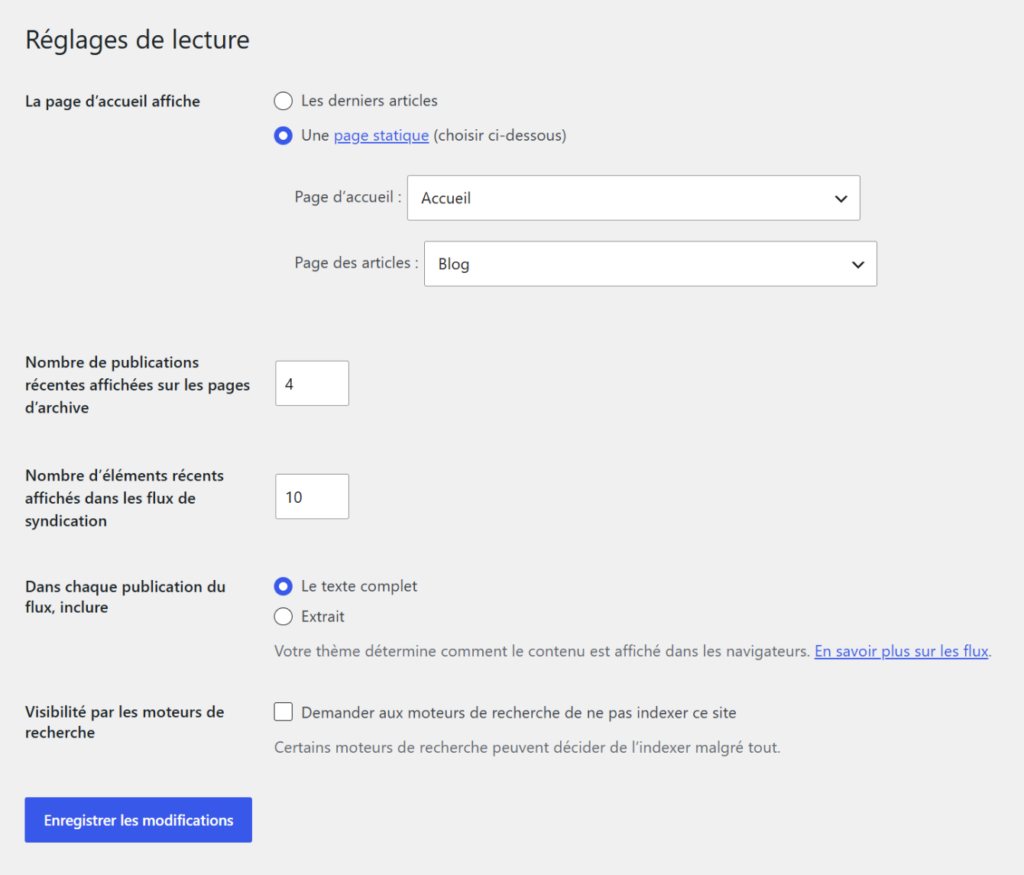
Open Settings > Reading and look at the box “Discourage search engines from indexing this site”. It must be unchecked on a live site.
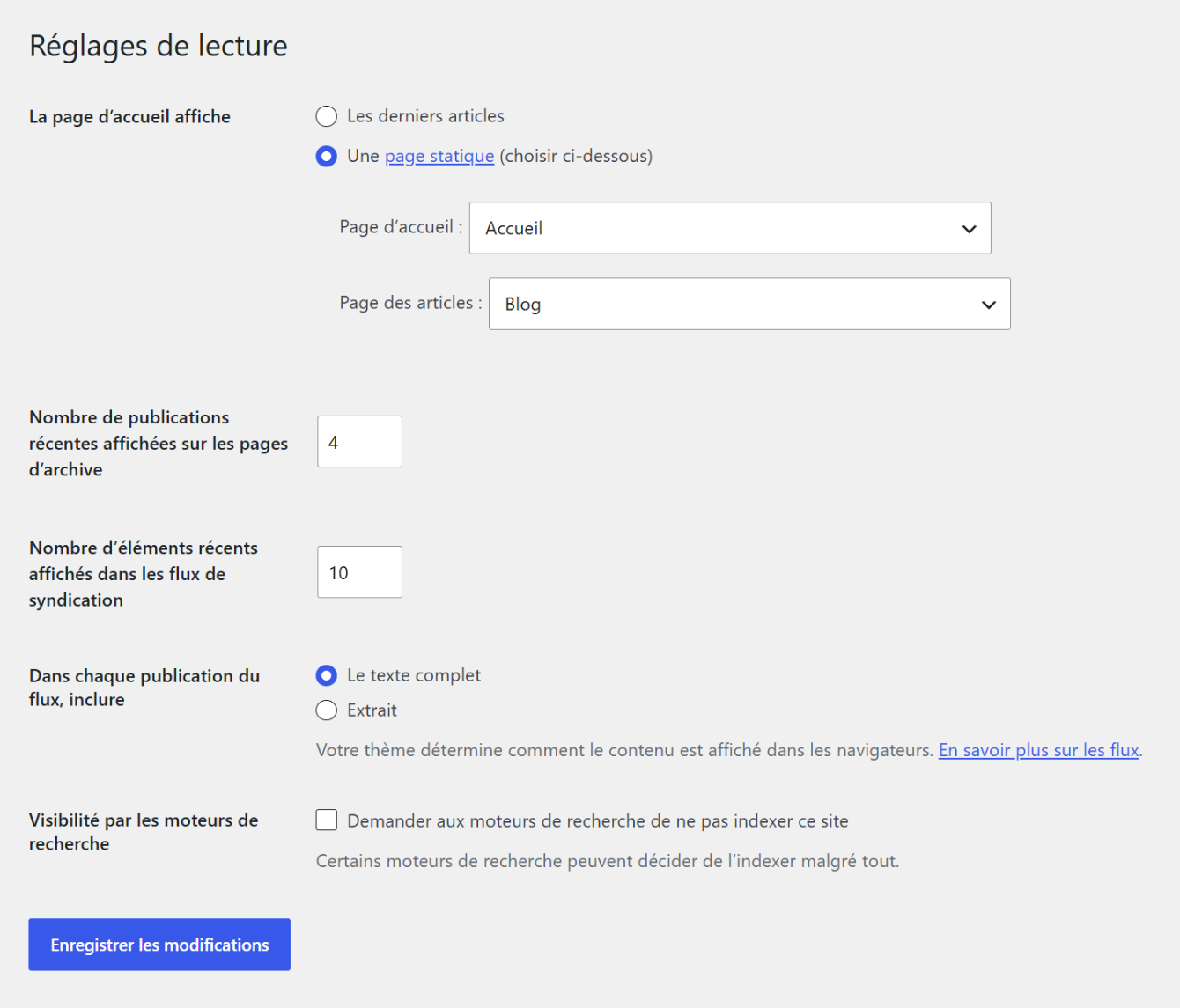
According to the WordPress documentation, checking this box adds a robots tag with the values noindex and nofollow to the head of the pages. Search engines may or may not honour that request.
How do you add your site to the Search Console?
The Search Console is Google’s free tool to follow the crawling and indexing of a site. You add your domain, then prove that you own it.
You then see which pages are indexed, which ones have problems and why. It is the indispensable dashboard before looking any further.
Add the https version of your domain, the one visitors use. If your site changed address, create a property for the new one.
How do you submit an XML sitemap?
A sitemap lists the addresses you want crawled. Google says it is especially useful for a new site or a site move.
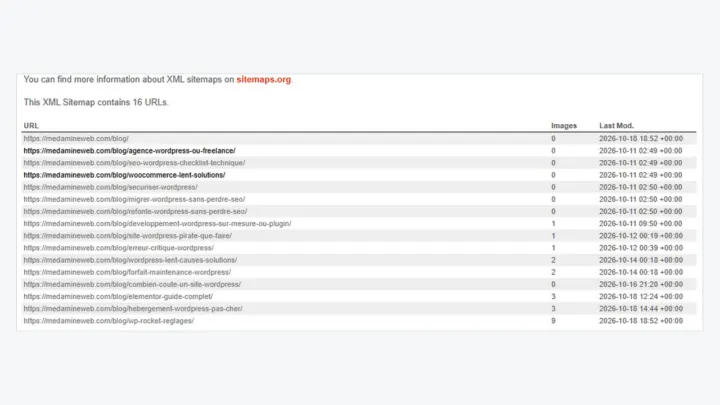
WordPress generates one by default, and plugins like Yoast SEO complete it. My guide to the WordPress sitemap explains how to find it and submit it in the Search Console.
How do you request the indexing of a page?
- Open the Search Console and select your site.
- Paste the page address into the URL inspection field.
- Read the result: the page is indexed or it is not.
- Click Request indexing if it is not.
Google states that you must be an owner or a full user of the property and that a quota exists. Submitting the same address several times does not get it crawled faster.
How long should you wait?
Google’s documentation says crawling can take from a few days to a few weeks. You follow progress with the indexing report or the inspection tool.
If nothing moves after a few weeks, look for a technical cause or thin content rather than resending requests.
A new site with no links from elsewhere is crawled more slowly. A few links from your profiles, your networks or partners speed up discovery.
Why is a WordPress page not indexed?
| Common cause | How to spot it | What to try |
|---|---|---|
| Visibility box checked | Settings > Reading | Uncheck it |
| Noindex tag on the page | URL inspection in the Search Console | Check the page and the SEO plugin |
| Page with no internal link | No page points to it | Add links from other pages |
| Very thin or duplicate content | Short page or close to another | Enrich or merge the pages |
| Slow site or server errors | Server errors in the report | Fix the host or the plugins |
How do you help Google discover your pages?
Link each new page from at least one page that is already known, with a link in the text or in the menu. Useful content that receives links is discovered faster.
Avoid orphan pages: a page with no internal link is found only through the sitemap, and it looks less important to Google.
Think also about pages you do not want in the results, such as thank-you pages or internal search results. An SEO plugin can exclude them cleanly.
Keep the site fast and accessible. My technical SEO checklist gathers the points to check once indexing is in place.
When should you call a professional?
Get help if dozens of pages stay excluded, if the site changed address or if traffic dropped for no visible reason. A technical audit usually finds the cause quickly.
I carry out this diagnosis with the WordPress SEO consultant service.
What now?
What you can do today:
- Open Settings > Reading and check that the no-indexing box is unchecked.
- Search for your site name on Google with the site: command followed by your domain.
- Add your domain to the Search Console if you have not done so yet.
Dig deeper: WordPress SEO Consultant