
Three plugins share most WordPress sites that take SEO seriously. They look alike, but they do not put the same features forward.
Here is what each one brings, according to their official pages, and the method I use to decide for a given project.
What is an SEO plugin for?
It handles what WordPress does not do alone: titles and descriptions, XML sitemap, canonical tags, structured data and breadcrumbs. It does not push a site up on its own.
It mainly sets the technical basics properly. Content and links remain your job, as I explain in WordPress technical SEO settings.
What does Yoast SEO offer?
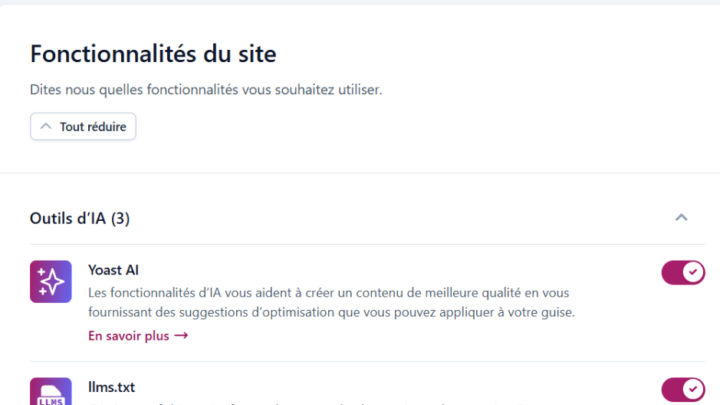
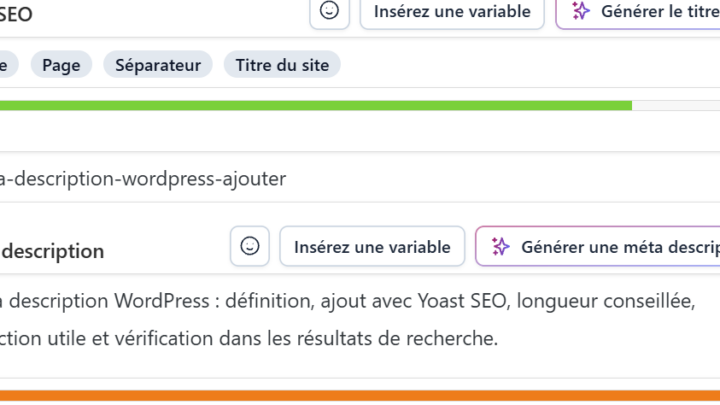
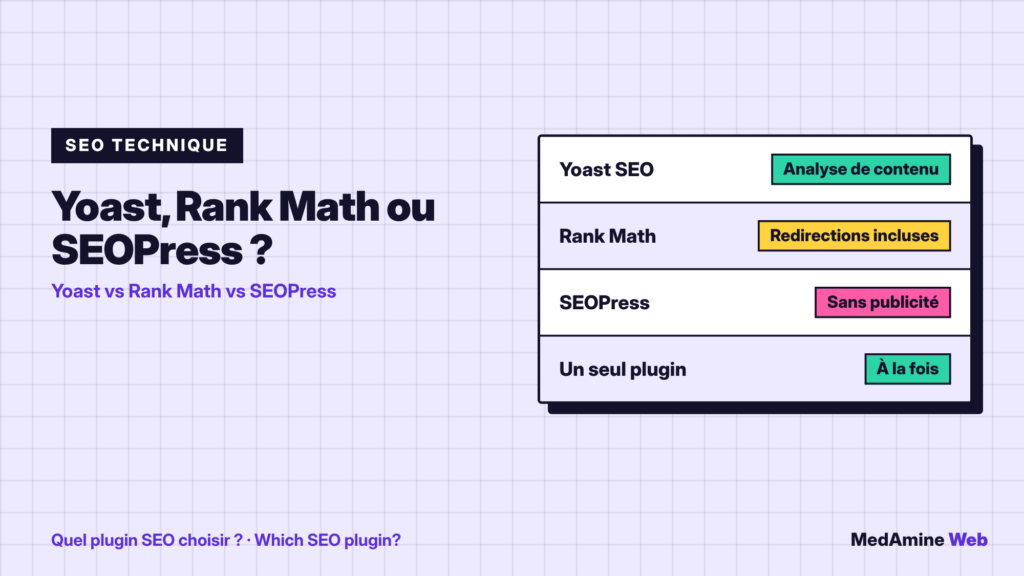
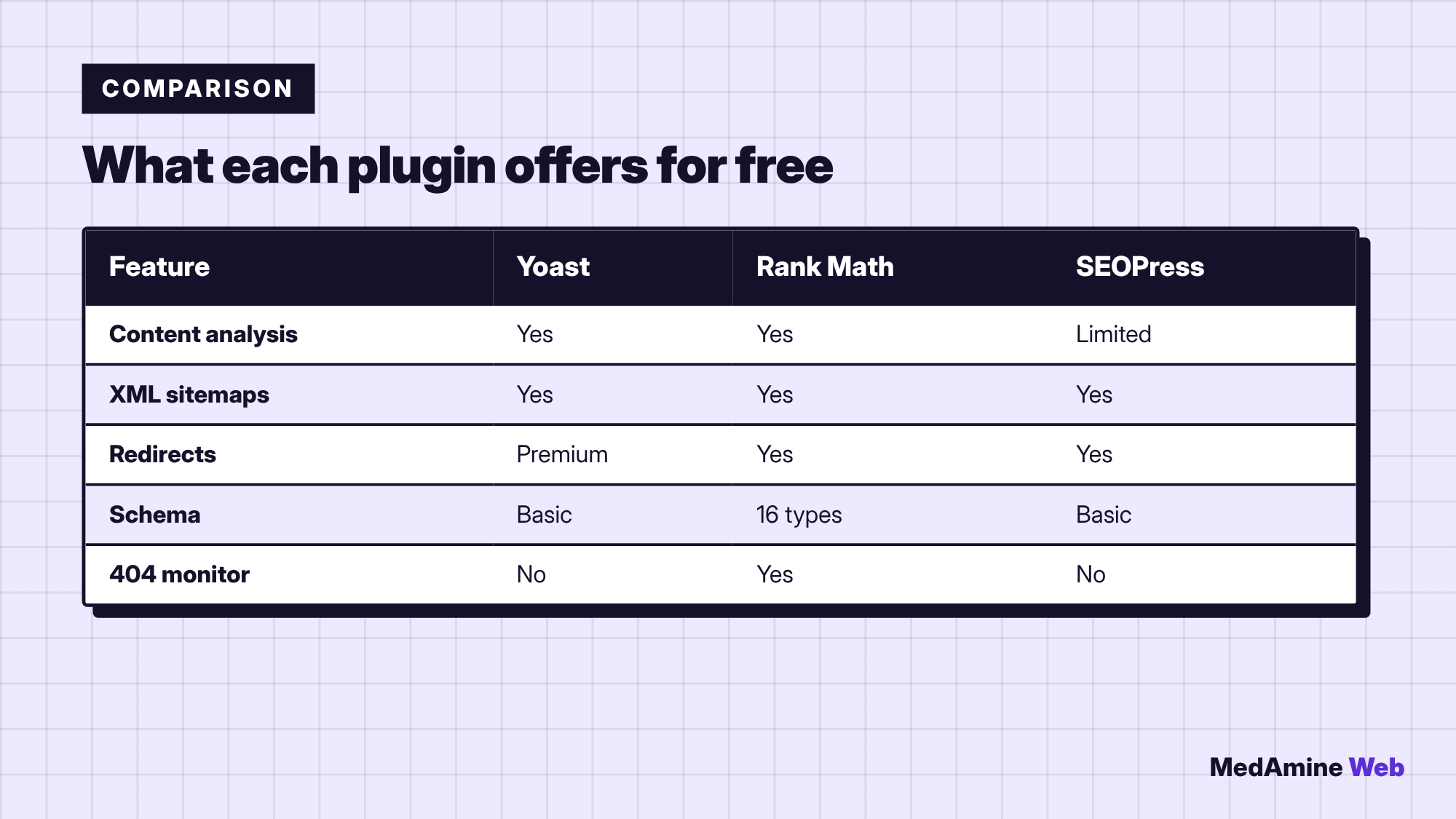
The official Yoast SEO page lists SEO and readability analysis, result previews, automatic XML sitemaps, basic structured data and a breadcrumbs block. Redirect management is reserved for the premium version.
Yoast is the most installed plugin, with over ten million active installations. Its strength is writing help: the traffic lights guide your review. I describe its use in setting up and using Yoast SEO.
What does Rank Math offer?
In its free version, Rank Math lists several focus keywords per piece of content, a redirect manager, more than sixteen schema types, an XML sitemap and a 404 monitor.
It is an interesting choice if you want many features without a licence. In return, the interface takes a little longer to learn.
What does SEOPress offer?
The free SEOPress covers titles and descriptions with dynamic variables, XML and HTML sitemaps and redirects. Its schema editor is reserved for the paid version.
Its official page states there is no tracking, no data footprint and no upsells in the admin. That is an argument for people who want a clean interface.
How do you choose between the three?
| Your need | Possible choice | Why |
|---|---|---|
| Writing help | Yoast SEO | Readability and SEO analysis |
| Built-in redirects | Rank Math or SEOPress | Free in the base version |
| Clean interface | SEOPress | No ads in the admin |
| Site already set up | Keep what you have | Migrating costs time |
I never switch plugins without a solid reason. If your site works well with one of the three, the gain from switching rarely justifies the risk.
Are premium versions worth it?
For a brochure site or a blog, rarely at the start. Paid versions mostly add options for several keywords per page, online shops and more detailed reports.
Buy them when a precise need appears, not on principle. Before that, a careful setup of the free version already gives clean results.
Can you run two SEO plugins at once?
No. Two plugins that write the same tags create duplicates and conflicts. Deactivate the old one before you activate the new one.
A concrete example
An architecture firm publishes four service pages and a blog. It activates Yoast SEO, fills in the organisation type, checks its sitemap and reviews its main pages. It buys nothing and ends up with clean tags.
A shop with more than two hundred products will benefit more from a plugin that handles product schema and redirects well. The choice depends on the site, not on a ranking.
Which free version is enough?
For a brochure site or a blog, the free version of any of the three is enough. Premium versions mostly add options for several keywords, online shops and advanced tracking.
- Install a single plugin and launch its setup wizard.
- Fill in the site type, social profiles and pages to exclude.
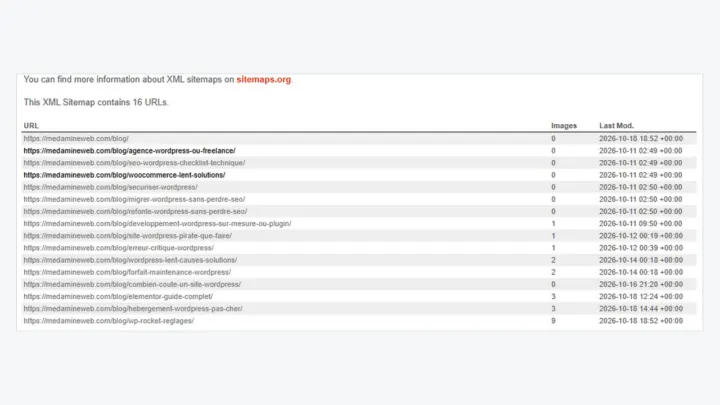
- Check the sitemap and submit it to Google.
- Review your main pages with the plugin analysis.
What now?
What you can do today:
- Check that only one SEO plugin is active on your site
- Open your sitemap address and check that it responds
- Reread the title and description of your home page
Dig deeper: WordPress SEO Consultant