
Elementor is installed on millions of WordPress sites, and its free version is enough for many pages. What remains is knowing when the Pro version becomes useful.
Here is what each version contains according to the official pages, and how to decide before you pay.
What does the free Elementor version contain?
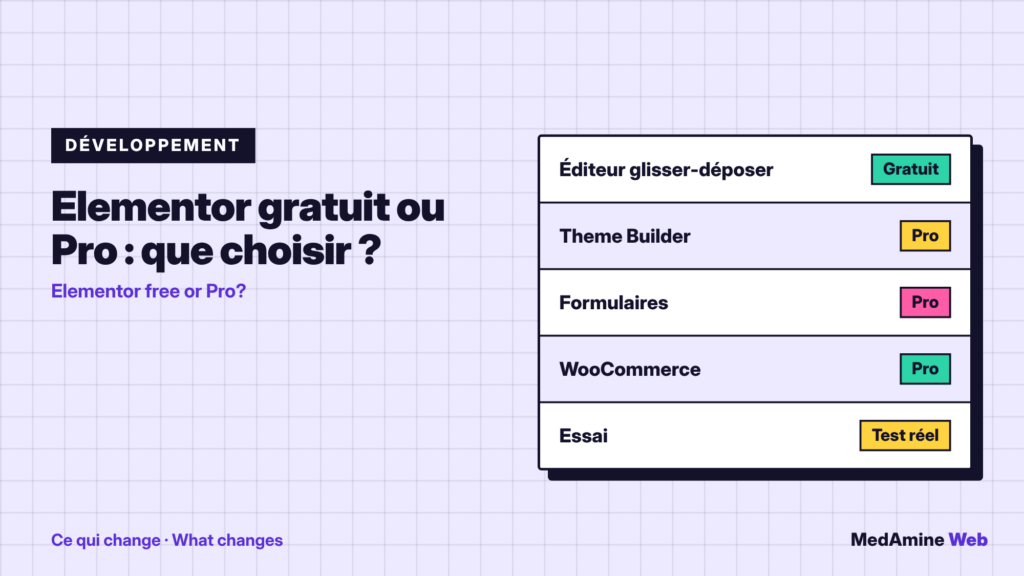
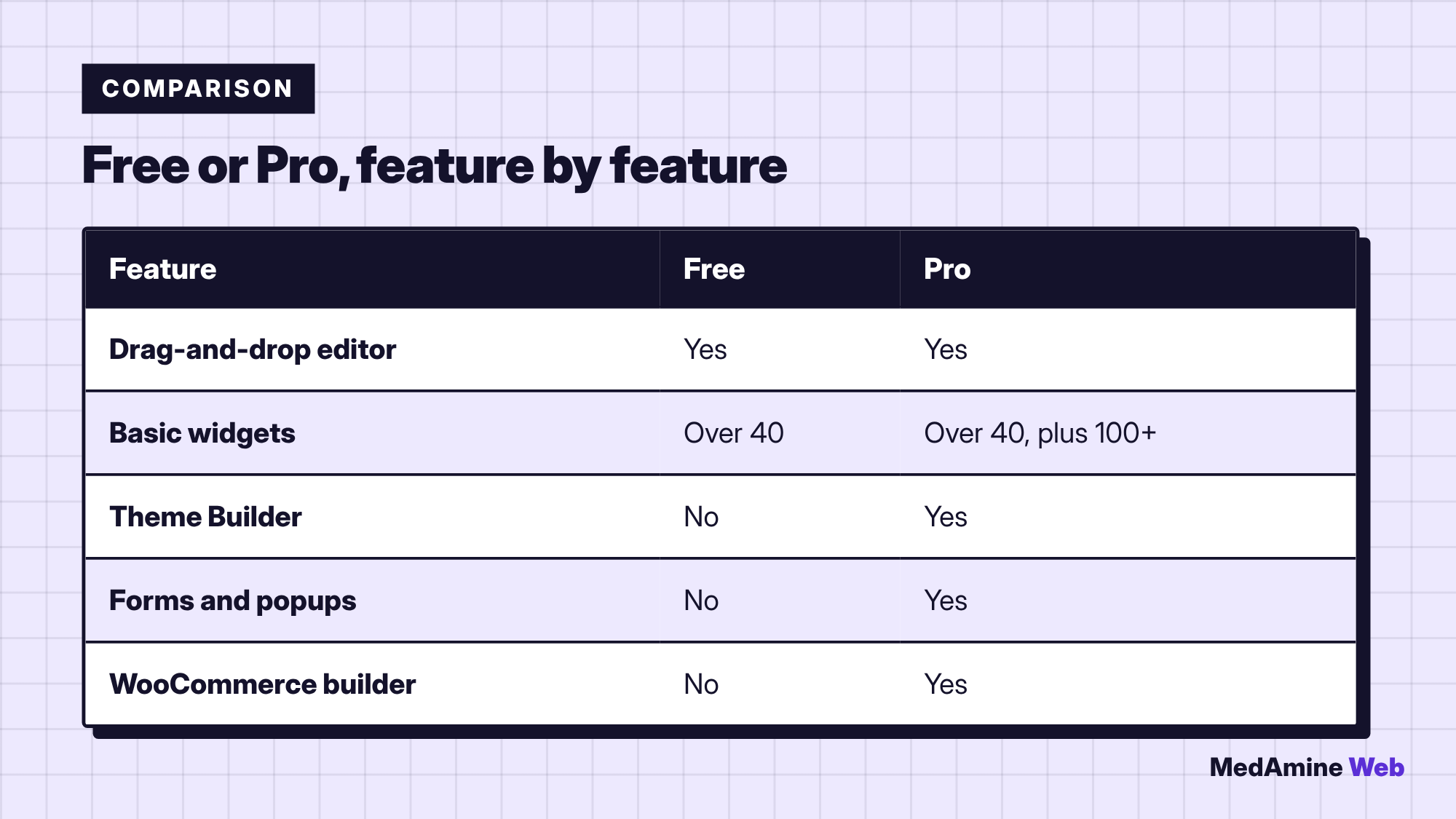
According to its page in the official directory, it includes a drag-and-drop editor, more than forty free widgets (heading, image, video, button, gallery, carousel), design variables, responsive settings and revision history.
It counts more than ten million active installations. For a brochure page, it is often enough.
What is reserved for Elementor Pro?
- The Theme Builder to create headers, footers and templates.
- Forms and popups.
- The WooCommerce builder and product widgets.
- Dynamic content, custom CSS and motion effects.
The page also lists more than a hundred extra widgets, such as post lists, portfolios and price tables.
Which plans does Elementor offer?
The pricing page distinguishes several plans: Essential, Advanced Solo, Advanced, Expert and the One offers. They differ mostly by the number of sites (from one to twenty-five, or unlimited for the agency offer).
It displays a starting price of 60 dollars a year and states that Elementor One does not include hosting. This information dates from the October 2026 check: verify it before buying.
Is the free version enough for your site?
| Need | Is free enough? | Why |
|---|---|---|
| Content pages | Yes | Editor and basic widgets |
| Custom header and footer | No | Theme Builder is Pro |
| Built-in contact form | No | Forms are Pro |
| Shop with edited product pages | No | WooCommerce features are Pro |
If you need none of these features, pay nothing. A light theme and blocks may also be enough, as I explain in Gutenberg or page builder.
Does Elementor Pro slow the site down?
It depends on how pages are built and on the hosting. Always measure a real page with PageSpeed Insights, before and after.
How do you decide before buying?
- Build your pages with the free version.
- Note precisely what is missing.
- Check that the feature does not already exist in a theme or a light plugin.
- Buy Pro only when the need is clear, with the plan that fits the number of sites.
I detail the first steps in the Elementor guide.
What costs should you plan over several years?
Yearly licences renew. Work out the three-year cost and compare it with the time saved. For an overview of a site budget, read the real costs of a WordPress site.
One more thing to check is the number of sites. A plan for a single site is cheaper, but if you manage several client sites, a plan covering more sites usually costs less per site. Write down how many sites you really run before choosing.
What happens if the Pro licence expires?
The site keeps working, but you no longer receive updates or support, and Theme Builder templates no longer edit as before. Read the renewal conditions before buying, because they can change.
So plan the renewal in your budget, or a fallback. It is a point I check in every maintenance plan when the site relies on a yearly licence.
What now?
What you can do today:
- Build a trial page with the free version of Elementor
- List the features you really miss
- Work out the cost of the Pro licence over three years
Dig deeper: WordPress Website Development