
The address of a page shows in search results, in shares and in the browser bar. It is a small WordPress setting, with big consequences if you change it at the wrong time.
Here are the possible structures, the one I recommend and how to change it without breaking your links.
What are permalinks?
They are the permanent addresses of your posts, pages and archives. According to the official documentation, they help people and search engines understand and share content.
The name “permanent” is deliberate: an address should not change.
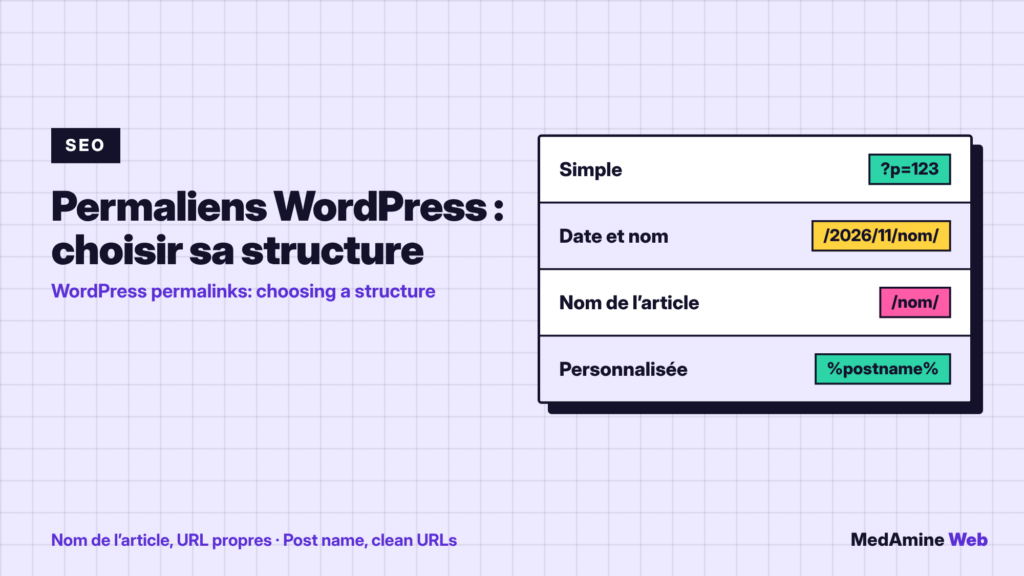
Which structures does WordPress offer?
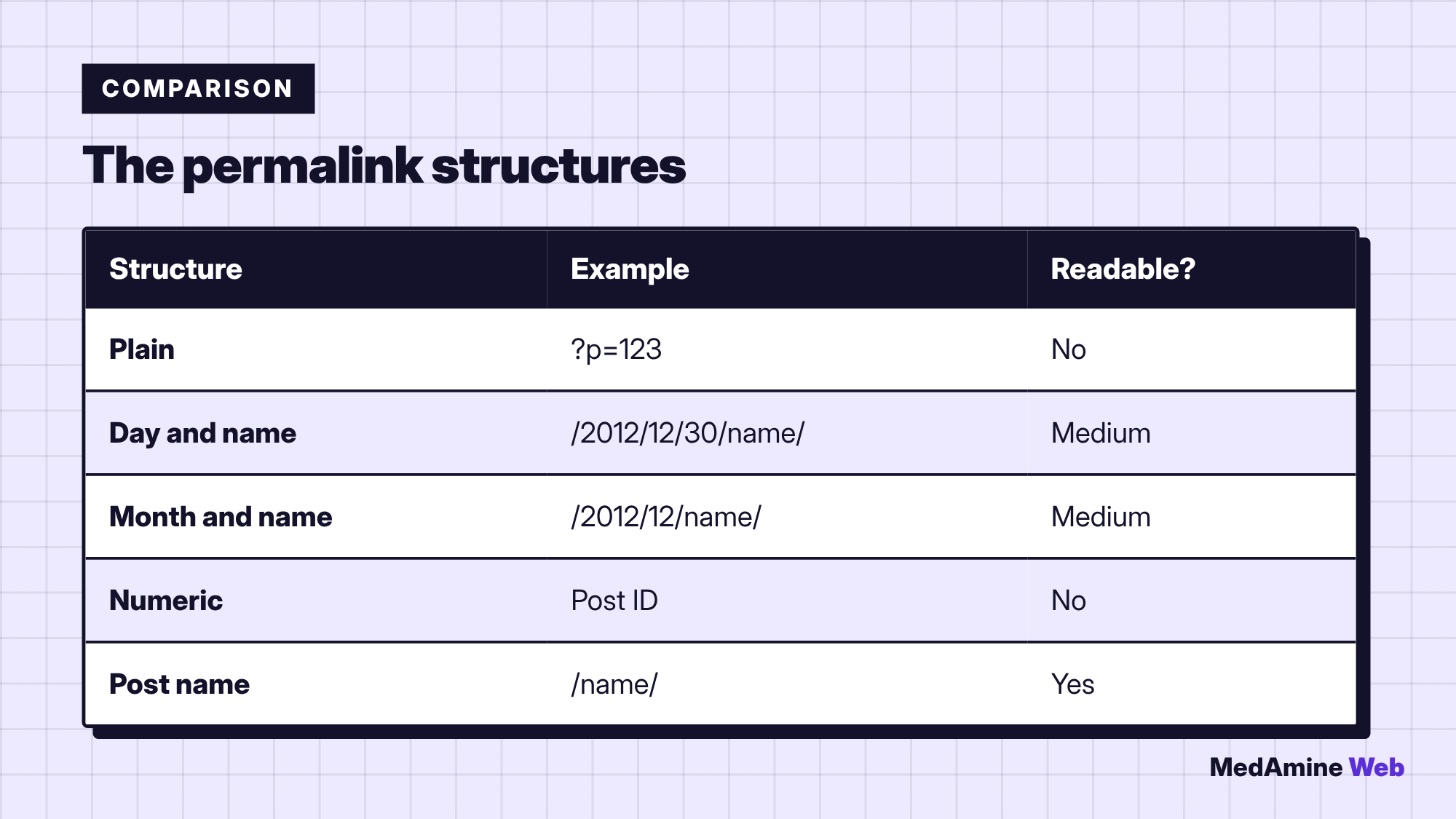
The plain structure shows a number and works everywhere, but it is neither readable nor optimised. The pretty structures, with date or name, need server configuration.
Which one should you pick for SEO?
The documentation recommends pretty permalinks, and the post name one is the most common. It gives short addresses such as /post-name/, easy to read and share.
If your blog covers dated news, the date can make sense. For a services site, the name alone is leaner.
How do you change it in the admin?
- Open Settings, then Permalinks.
- Choose a structure or enter a custom one.
- Save the changes.
- Test a few pages to check that none returns a 404 error.
What about a custom structure?
End it with %postname% or %post_id% so that WordPress identifies each item. Do not write your site address in the field: use only structure tags.
With %category%, only one category appears in the address when a post has several, chosen alphabetically.
Can you change the structure of an existing site?
Yes, but old addresses stop working if you do nothing. Links already shared and pages already indexed point to addresses that no longer exist.
What should you check after a change?
- The main pages and recent posts open.
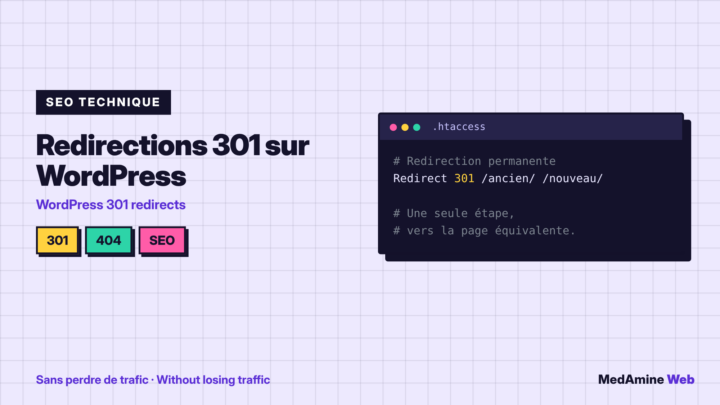
- Old addresses redirect to the new ones.
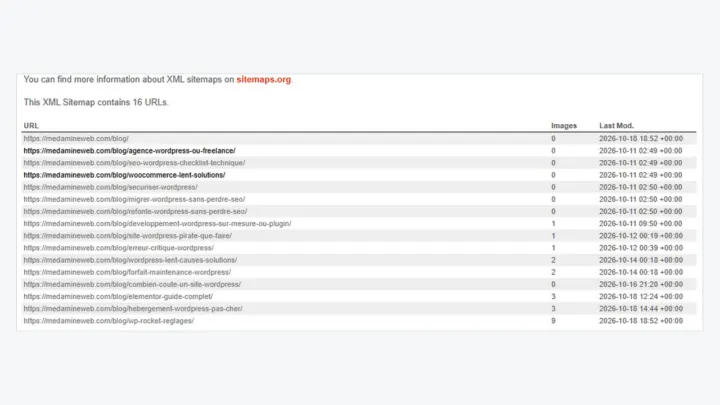
- The sitemap contains the new addresses.
- Search Console does not report a spike in 404 errors.
Why does a page return a 404 error?
After a change, simply saving the Permalinks page again regenerates the rewrite rules and often fixes the problem. If the error persists, contact your host: pretty structures need server configuration.
To follow indexing after the change, read how to get your site indexed in Google.
How long should an address be?
Keep it short and descriptive: two to five words that sum up the page. Remove useless filler words, but keep the main keyword. A readable address can be understood without opening the page, which also helps visitors who share it.
Avoid changing it after publication. If you must, create a redirect from the old address and update your internal links, as I describe in the technical SEO checklist.
Think about categories too: if they appear in the address, renaming a category changes every address concerned.
Last, remember that some plugins and themes build links on their own, for instance for custom post types. After any change, browse a few of those pages too, because a rule that works for posts can still fail on a special section of the site.
What now?
What you can do today:
- Open Settings then Permalinks and note the current structure
- Check that this structure ends with the post name
- Test three old pages to spot 404 errors
Dig deeper: WordPress SEO Consultant