
You change a page address, delete a post or redesign the site. Without redirects, old links end on a 404 error and your search visibility erodes.
Here is how to set up 301 redirects cleanly, with a plugin or by hand, and how to check that they do their job.
What is a 301 redirect?
It is a server response that says: this page has moved permanently to another address. Browsers follow the redirect and search engines gradually transfer the old address to the new one.
A 302 code signals a temporary move instead. HTTP redirections are described in detail by MDN.
When should you create one?
- You change the address of a page or a post.
- You delete content that has a close equivalent.
- You migrate to a new domain or to HTTPS.
- You fix 404 errors that still receive visits.
404 errors that receive no visitor do not need a redirect. I detail the diagnosis in fixing a 404 error on WordPress.
How do you redirect with a plugin?
The Redirection plugin, free and used on more than two million sites, creates 301 redirects without touching the server. Its official page says it also tracks 404 errors and can automatically redirect old addresses after a permalink change.
- Install and activate the plugin from Plugins > Add New.
- Open Tools > Redirection and run the setup wizard.
- Enter the old address and the new one, with the 301 type.
- Test the old address in a private browsing tab.
If you already use an SEO plugin with a redirect manager, do not double up. One place for redirects avoids conflicts.
How do you redirect with the .htaccess file?
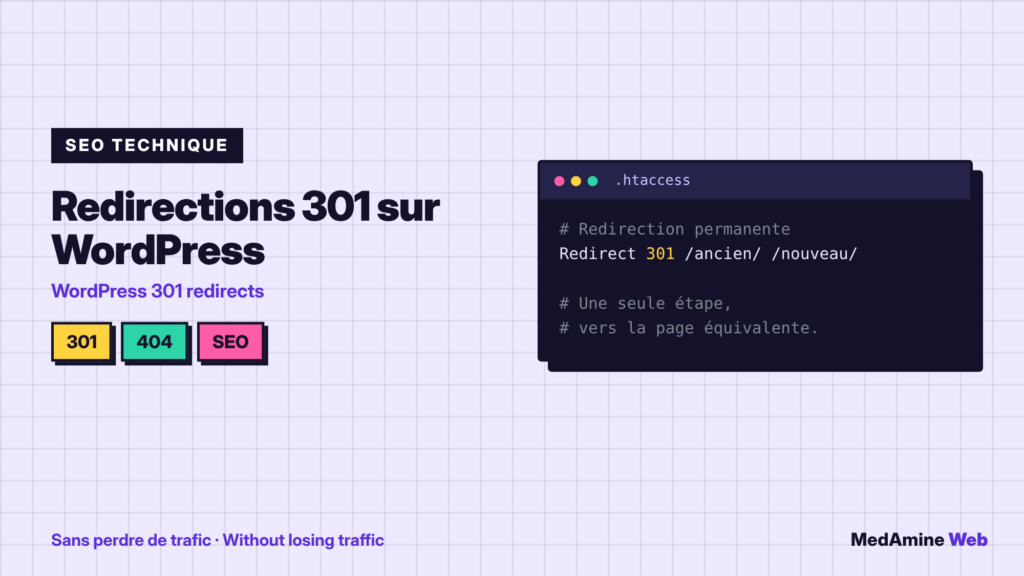
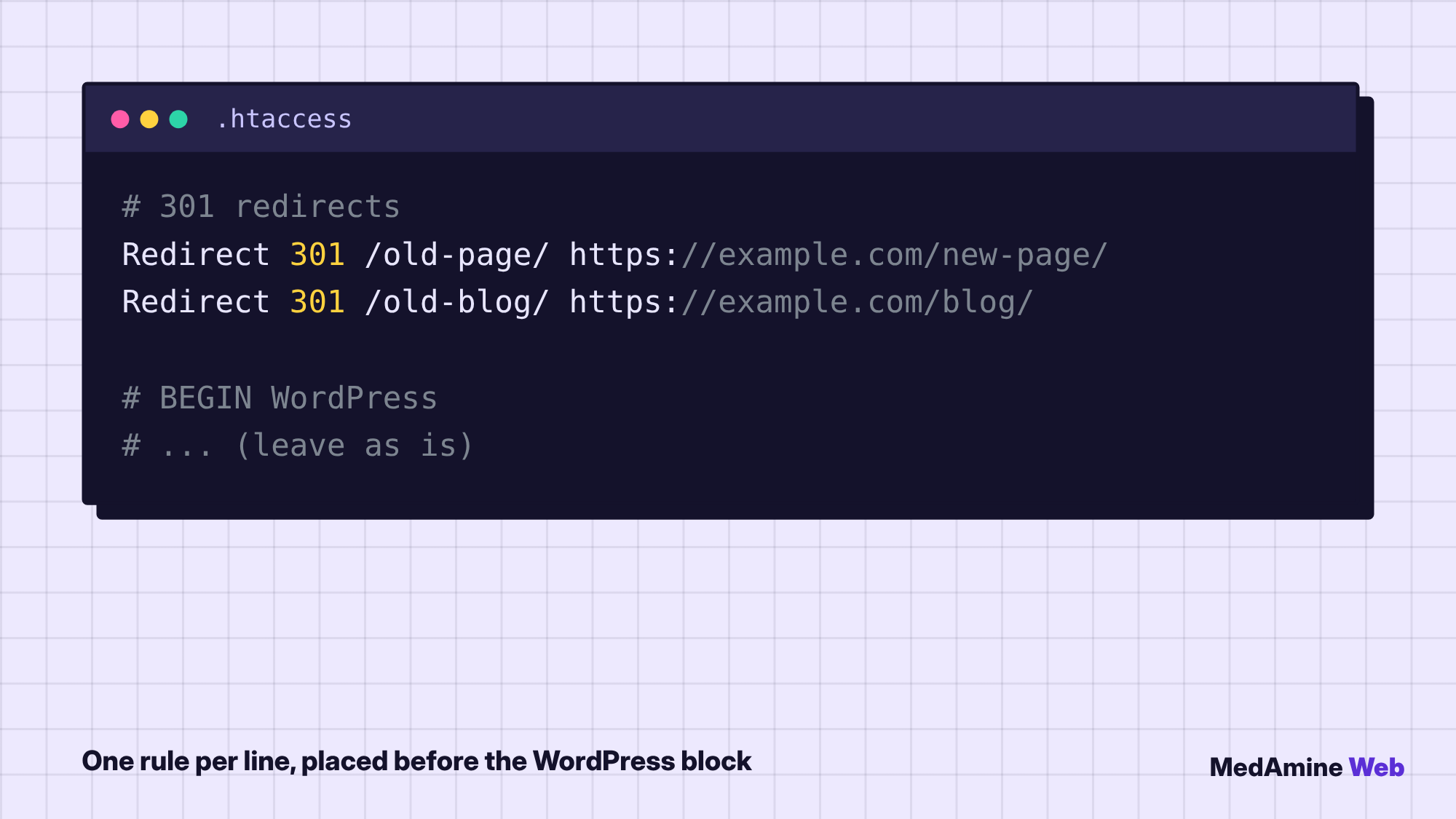
On an Apache server, you can add one Redirect 301 line per page in .htaccess. Put it before the WordPress block and keep that block as it is.
Which page should you redirect to?
To the closest equivalent by topic. Redirecting every old page to the home page is treated as an error by search engines and annoys the visitor.
If no page matches, leave the 404 or create a useful page that offers related content.
What do you do with redirects after a redesign?
After a redesign, list the old addresses and match each to its new page before going live. It is the step that protects your traffic the most.
I detail this preparation in WordPress redesign without losing SEO.
How do you avoid chains and loops?
A chain is A to B to C. It slows loading and dilutes the signal. Update old redirects so that they point straight to the final destination.
A loop is A to B then B back to A: the browser shows an error. Test every rule after you create it.
A concrete example
A firm renames its post “prices 2024” to “prices”. The old address still receives visits from a directory. A 301 redirect to the new address keeps those visits and the external link.
How do you test your redirects?
Open the old address in a browser and check the final address. For a long list, a crawler such as Screaming Frog lists the response code of every address.
Then watch Search Console for a few weeks to spot any errors that appear.
What now?
What you can do today:
- List the pages whose address changed or that were deleted
- Spot in Search Console the 404 errors that still get visits
- Test one of your old addresses in a private browsing tab
Dig deeper: WordPress SEO Consultant