
A post scheduled for 8:30 that goes out at 11:00, a backup that never starts: in many cases, WP-Cron is involved.
Here is how it works, how to spot a problem and when to replace it.
What is WP-Cron?
It is the WordPress scheduled task system. According to the plugin handbook, it handles actions such as checking for updates or publishing scheduled posts.
It is not a real cron: no process runs continuously.
How does it decide to run a task?
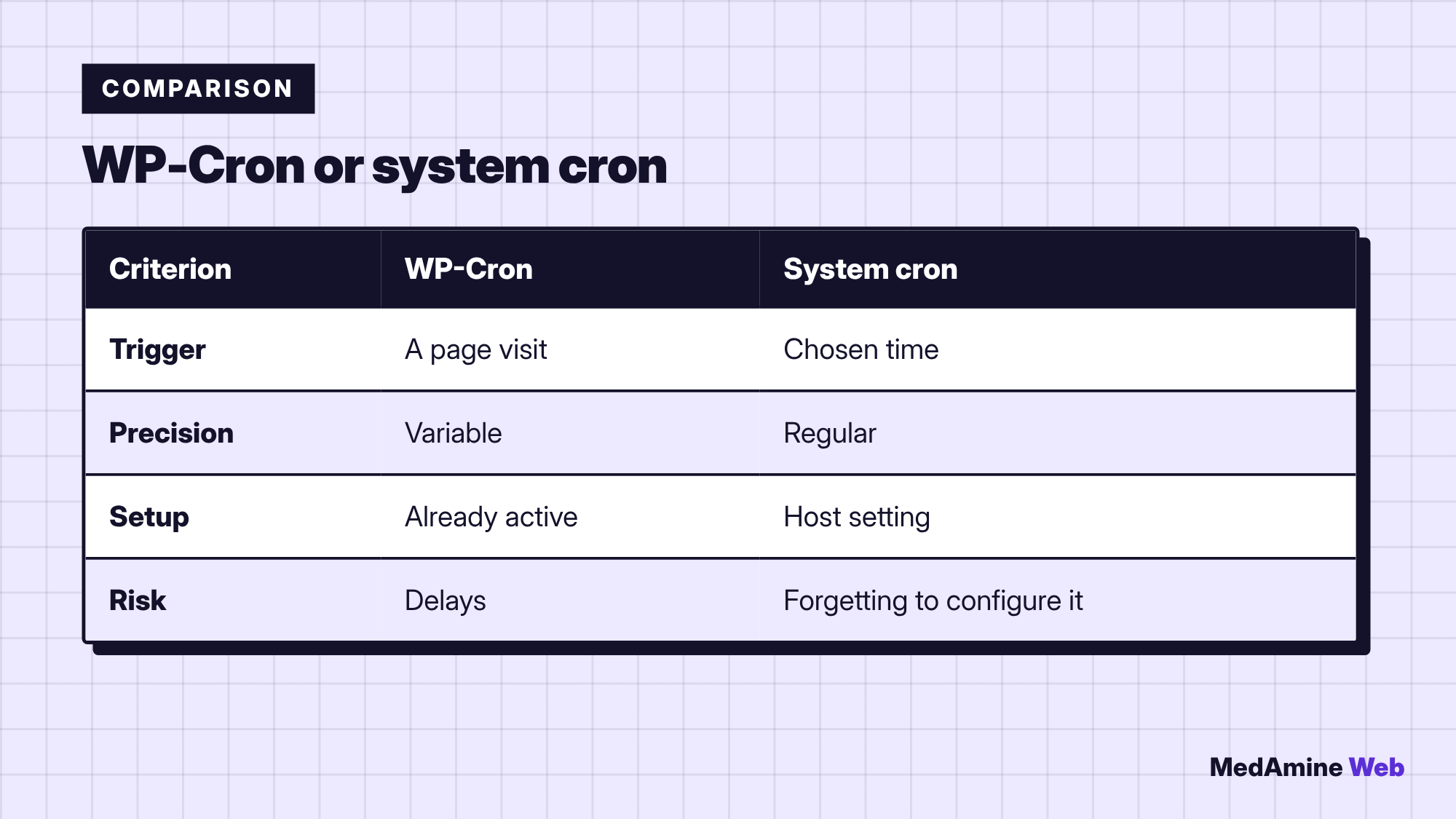
On every page load, WordPress looks at the list of scheduled tasks and runs those whose time has passed. The documentation states that it is only triggered on page load.
Why does a task come late?
If nobody visits the site, nothing triggers WP-Cron. A task planned for 2 p.m. may wait for the next visit, sometimes hours later. WordPress queues missed tasks and runs them as soon as possible.
Very quiet sites are therefore the most exposed. A scheduled post can then show “Missed schedule”.
When does WP-Cron slow a site down?
On a busy site or with heavy tasks, the check on every page adds work. Spot it with a diagnostic plugin, then read why a WordPress site is slow.
How do you replace it with a system cron?
- Add
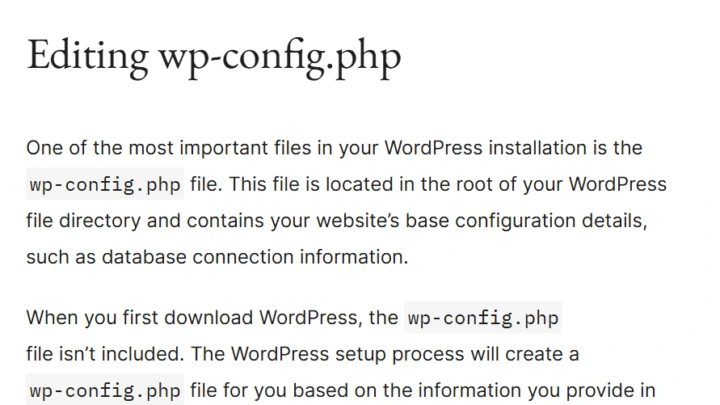
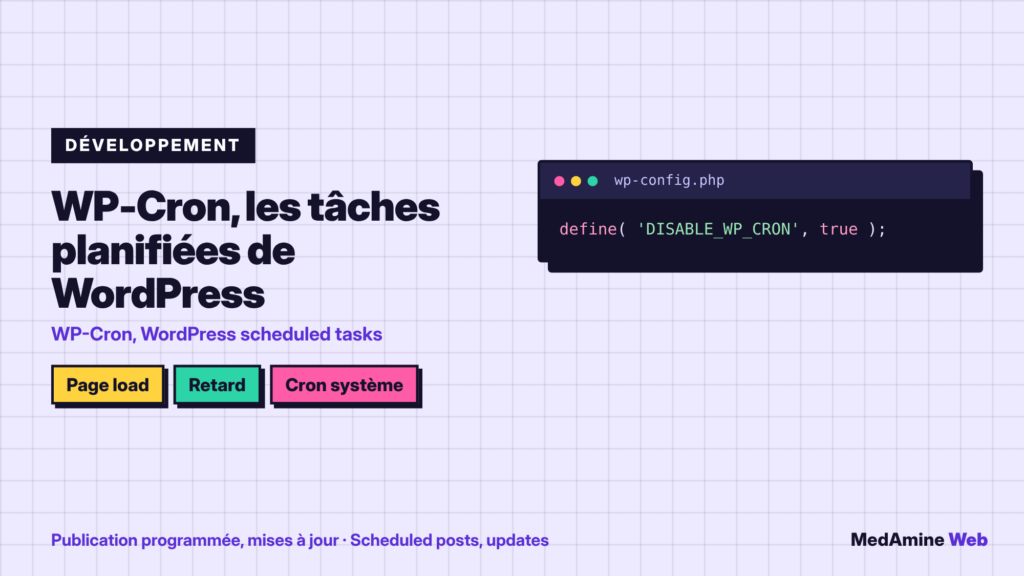
define( "DISABLE_WP_CRON", true );towp-config.php. - Create a scheduled task at your host that calls
wp-cron.phpevery five to fifteen minutes. - Check that a test scheduled post goes out on time.
- Write the setup down in your documentation.
The wp-config.php file is detailed in the wp-config guide. Make a copy before you edit it.
How do you test scheduled tasks?
Schedule a draft five minutes ahead, touch nothing and note the real publishing time. A task manager plugin also lists pending events and their delay.
Which tasks depend on WP-Cron?
- Publishing of scheduled posts.
- Checking for updates.
- Backups scheduled by a plugin.
- Sending emails or reminders in some plugins.
If you manage several sites, this check belongs in a serious maintenance plan.
What should you do with a “Missed schedule” post?
Open the draft concerned and publish it by hand, then look for the cause. Often the site gets too few visits at the planned time, or a caching plugin serves a frozen page that triggers nothing. Clear the cache and repeat the five-minute test.
If the problem returns, move to a system cron: it is the most reliable solution for a site that schedules its posts.
How do you monitor tasks over time?
A task manager plugin shows pending events, their frequency and their delay. Check it after each major update, because a badly written plugin can add a task that runs too often. This follow-up fits into regular site maintenance.
Remember that a cache or a security plugin can also block calls to wp-cron.php. If a test still fails with a system cron in place, check your firewall rules and your host’s logs before blaming WordPress.
What now?
What you can do today:
- Schedule a draft five minutes ahead and note the real publishing time
- List the plugins on your site that use scheduled tasks
- Ask your host whether a system cron is available
Dig deeper: WordPress Maintenance