
WooCommerce is the first choice of many WordPress shops. But “free” does not mean “costless”, and it does not fit every project.
Here is what it does well, what it asks in return and when to look elsewhere, with the official requirements.
What is WooCommerce?
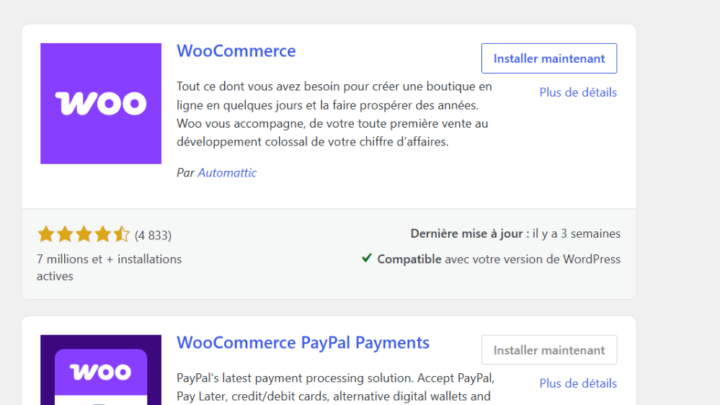
WooCommerce is an open source e-commerce platform for WordPress, developed and supported by Automattic, according to its WordPress.org page. It turns a WordPress site into a shop.
You manage products, orders, payments and shipping from the same dashboard as your pages and posts.
What are the main advantages?
- A free core, open source, with no software commission on your sales.
- Your data is yours: you can export it to another platform.
- Many payment methods, over a hundred gateways according to the official page.
- Extensions for subscriptions, bookings or memberships.
- A REST API and webhooks to connect your tools.
Another asset: your editorial content and your shop live on the same site, which helps search visibility.
What are the drawbacks?
The official page says the software is free but offers paid upgrades and support as options. You will often buy several extensions for specific needs.
Performance and security also depend on you: hosting, updates, backups. A slowed shop loses sales, and a shop that is not updated exposes your customers’ data.
Which costs should you plan for?
| Item | Cost | Comment |
|---|---|---|
| WooCommerce core | Free | Open source |
| Suitable hosting | Varies | More demanding than a blog |
| Extensions | Free or paid | Depending on the features you want |
| Payment gateway | Fee per transaction | Set by the provider |
| Maintenance | Time or a plan | Updates, backups, tests |
Amounts vary too much to quote here. I give ranges in how much a WordPress website costs.
What hosting does WooCommerce need?
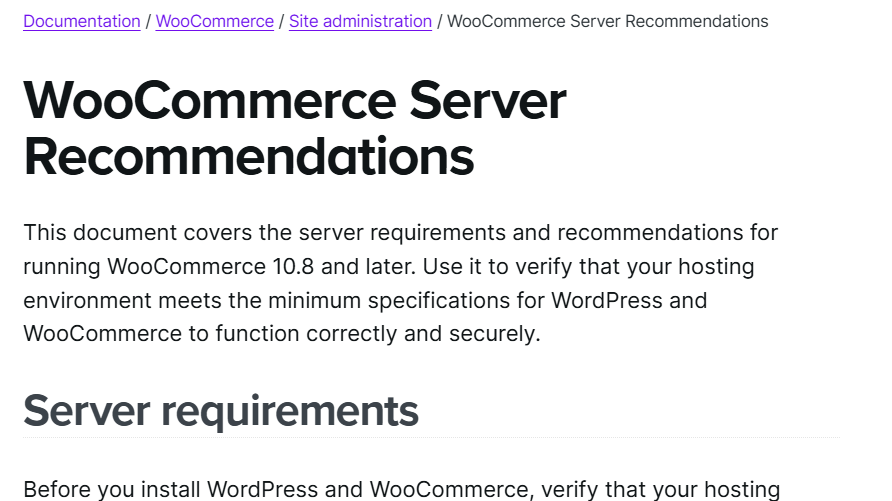
The official documentation recommends PHP 8.3 or greater, MySQL 8.0 or greater, or MariaDB 10.6 or greater, and WordPress 6.9 or greater. It also asks for HTTPS and a memory limit of 256 MB or more.
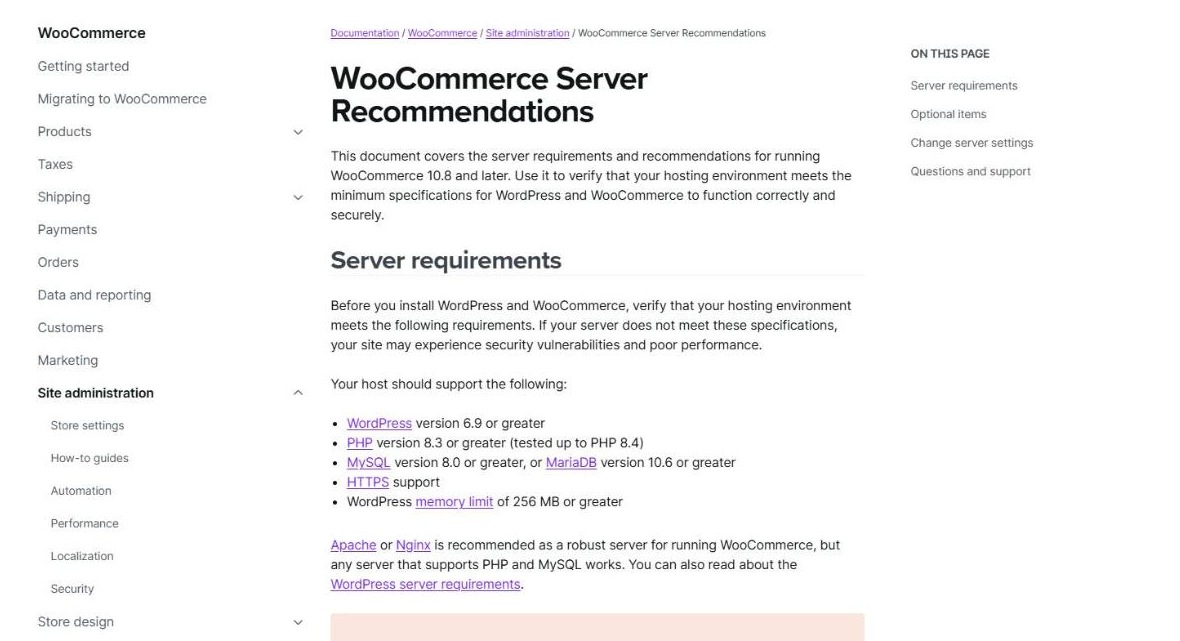
The screenshot shows this page. It adds that older versions work, but they have reached end of life and expose your shop to vulnerabilities.
A shop adds duties a brochure site does not have: stock, taxes, terms of sale, secure payments and order tracking. Each one needs settings, tests and monitoring. These tasks also weigh on the choice of hosting and on your weekly routine.
Who should avoid WooCommerce?
If you want to open a shop without managing any technical side, a fully hosted solution will be more comfortable. You then pay a subscription so the vendor takes care of everything.
Conversely, WooCommerce is the better pick if you want to keep control of your data, adapt the shop to your business and link your site to your tools.
When do you need custom development?
When a plugin does not cover your need, for example a particular price calculation, a shipping rule or a sync with your stock management. My article on custom development or a plugin gives the criteria.
A small targeted development often avoids stacking three plugins that get in each other’s way. It is also simpler to test and to maintain over time. Ask for the code to be documented, so that another developer can pick it up later.
Which alternatives to WooCommerce exist?
Two families: fully hosted solutions, where the vendor handles server and security for a subscription, and other open source e-commerce platforms, which you install and maintain as you would WooCommerce.
Compare them on four criteria: total cost over three years, control of your data, ease of export and time spent on technical management. The best choice depends on the time you want to give it, not on a ranking. Always ask how to recover your data if you change your mind.
Do not choose on price alone. A cheaper platform that locks your data in costs more the day you want to leave, and a free one that eats your weekends costs you time you could spend selling.
- Total cost: subscription, commissions, extensions and hosting.
- Control: data ownership and freedom to customise.
- Exit: how easy it is to move to another platform.
How do you limit risks at launch?
- Test orders from start to finish, with a real test payment.
- Make a backup before each update, as in backing up a WordPress site.
- Limit plugins to the ones you need.
- Measure the speed of the shop before and after launch.
When should you call a professional?
Get help if your shop is already live, if you are moving from another solution or if payments cause trouble. I offer WooCommerce support.
What now?
What you can do today:
- List your products, your shipping methods and the payment methods you want.
- Ask your host for the PHP version and memory limit of your plan.
- Compare the yearly cost of WooCommerce with a hosted solution.
Dig deeper: WooCommerce Development and Optimisation