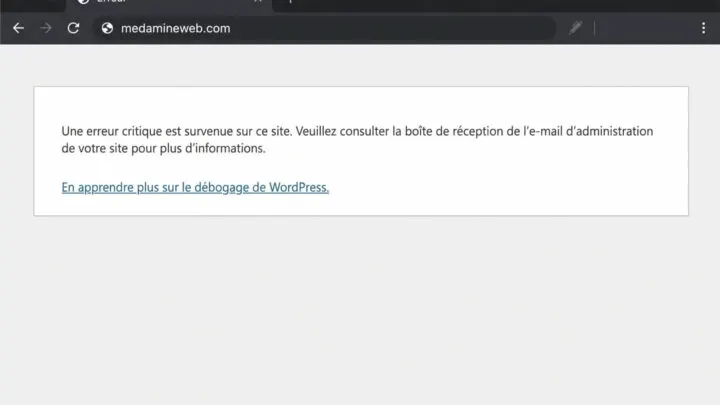

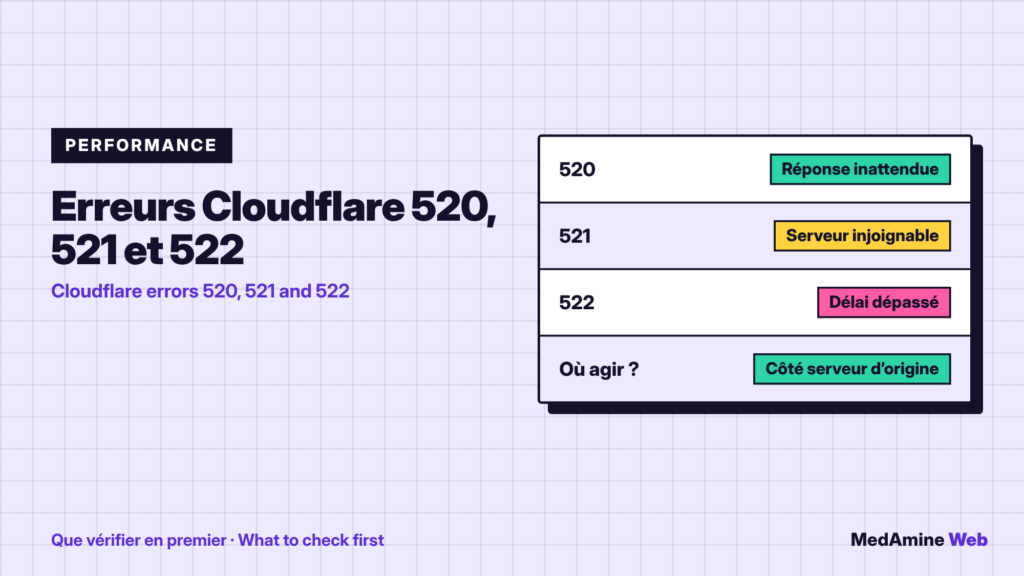
Your site loads normally, then a Cloudflare page announces a 520, 521 or 522 error. The visitor sees a message that has nothing to do with WordPress.
Here is what these three codes mean, the most frequent causes and the order in which I check, based on Cloudflare’s documentation.
What do errors 520, 521 and 522 mean?
Cloudflare sits between your visitors and your host. These errors say that the link between Cloudflare and your origin server is not working as expected.
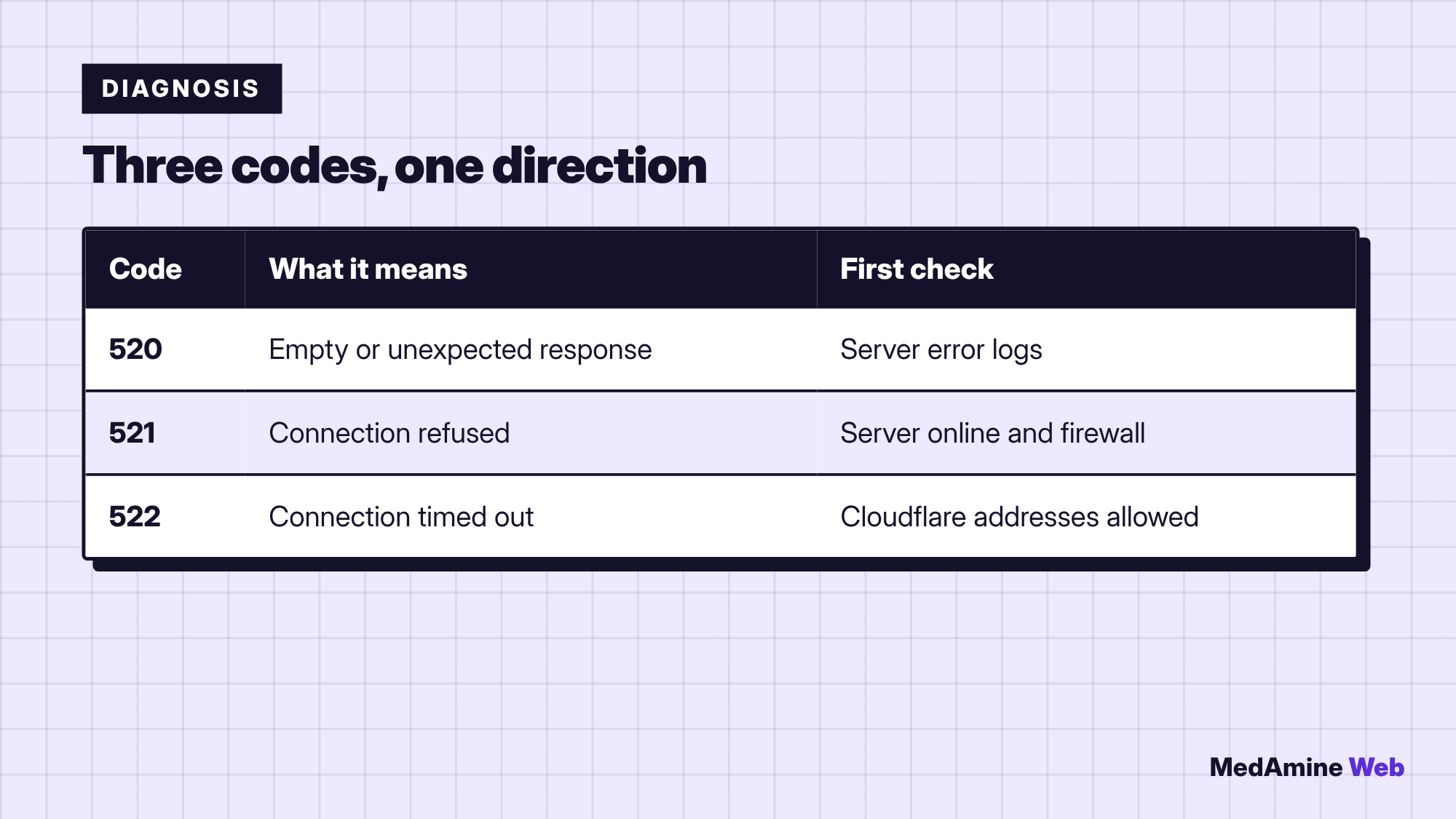
- 520: the origin server returns an empty, unknown or unexpected response.
- 521: the origin server refuses Cloudflare’s connection.
- 522: Cloudflare cannot establish the connection within the expected time.
Is the problem on the Cloudflare side or the host side?
In the great majority of cases, the origin server. Cloudflare’s documentation says to contact the host or the site administrator first, because the fix is most often on that side.
Cloudflare remains useful for diagnosis: its dashboard shows which addresses return 5xx errors.
What do you do about a 520 error?
The documentation cites crashes or configuration mistakes on the server, firewalls or security plugins that block Cloudflare, response headers that are too large (often because of cookies) and a wrong HTTP/2 setting.
Start with the server error logs and possible PHP crashes. You can also read what a critical error means on WordPress.
What do you do about a 521 error?
It means the origin server refused the connection. The two most frequent causes are a server application that is offline or crashed and a firewall that blocks Cloudflare addresses.
Also check the SSL/TLS mode: with Full or Full (Strict), the server must answer over HTTPS with a valid certificate, on port 443.
What do you do about a 522 error?
The connection timed out: according to the documentation, the server does not answer the connection request within 19 seconds, or does not answer the request within 90 seconds once connected.
The most frequent cause is a firewall or rate limit that blocks Cloudflare addresses. An offline or overloaded server, a wrong IP address in DNS or disabled keepalives are other leads.
What is the order of steps to follow?
- Check that the site responds directly at the host, without going through Cloudflare.
- Verify that the firewall and security plugins allow Cloudflare addresses.
- Compare the IP address in Cloudflare DNS with the one given by the host.
- Contact the host with the code, the time, the time zone and the address concerned.
A concrete example
A site goes behind Cloudflare on a Monday and shows 522 errors on and off. The host discovers that its firewall limits the number of connections per address. As all traffic now comes from a few Cloudflare addresses, the limit is reached in seconds.
The fix is to allow Cloudflare’s address ranges in the firewall. The site did not change, but the way it receives traffic did.
When should you contact Cloudflare support?
When the host confirms that the server works and that its firewall rules are correct. Prepare a network trace and the host’s logs: these are what support will ask for.
How do you avoid these errors?
Monitor availability with an external check, keep hosting sized for your traffic and review the Cloudflare configuration after every host change. I describe the setup in setting up Cloudflare with WordPress.
What now?
What you can do today:
- Note your server IP address and compare it with the Cloudflare DNS
- Ask your host whether Cloudflare addresses are allowed
- Set up an external availability check for your site
Dig deeper: WordPress Repair