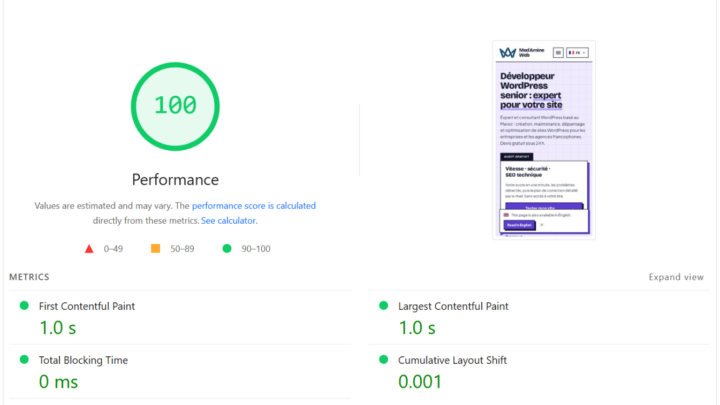

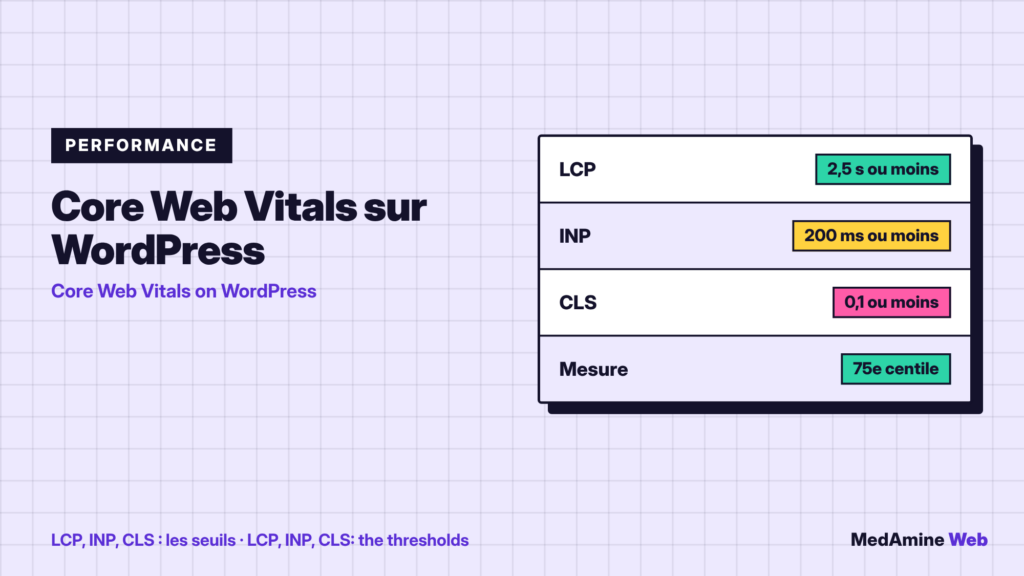
Core Web Vitals come up in every speed audit. Many reports quote them without explaining what they measure, or how to act on a WordPress site.
Here are the three measures, their thresholds and the method I apply to improve them.
What are Core Web Vitals?
According to web.dev, they are a subset of Web Vitals that applies to all pages and reflects the real experience of visitors. They cover three aspects: loading, interactivity and visual stability.
Google uses them as one of the signals of page quality.
What are the three indicators and their thresholds?
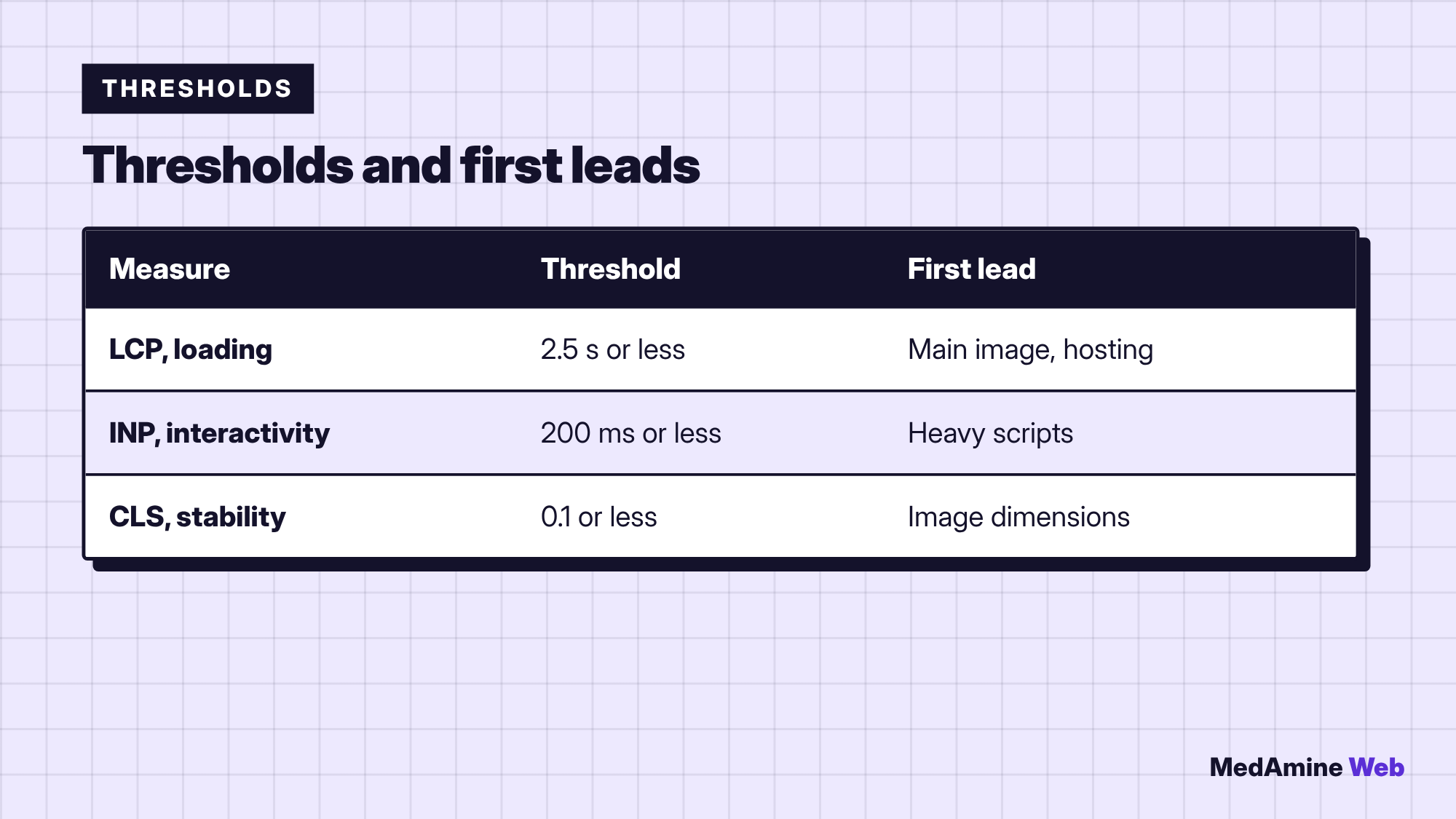
- LCP (display of the main element): 2.5 seconds or less.
- INP (response to interactions): 200 milliseconds or less.
- CLS (layout shifts): 0.1 or less.
How are they measured?
On the 75th percentile of page loads, split between mobile and desktop. A page passes if all three measures reach their threshold at that level. Field data, from real visitors, is the reference.
Lab tools do not measure INP directly: total blocking time serves as a stand-in.
Where can you see your results?
In PageSpeed Insights, Search Console and the CrUX report, which gather field data. To learn to read a report, read how to read PageSpeed Insights.
How do you improve LCP on WordPress?
Reduce the weight of the main image, choose responsive hosting and avoid loading useless scripts before the content. The most frequent causes are detailed in why WordPress is slow.
How do you improve INP and CLS?
For INP, limit heavy scripts, animations and plugins that run on click. For CLS, specify the size of every image and reserve space for banners and ads.
Does a cache fix everything?
No. A cache often improves loading, but it does not fix a heavy script or layout shifts. See the WP Rocket settings for a careful setup.
Where should you start?
- Measure the home page and a service page.
- Spot which of the three measures fails.
- Fix one cause at a time.
- Measure again after a few weeks, because field data moves slowly.
Which measuring tools should you choose?
Start with PageSpeed Insights for a first diagnosis, then follow progress in Search Console, which groups pages by status. Both rely on field data when the site has enough visits.
A new or low-traffic site sometimes has no field data. In that case, use the lab measurements as a guide, without treating them as a verdict.
Which mistakes should you avoid?
- Fixing several things at once without knowing what helped.
- Stacking several cache plugins that get in each other’s way.
- Aiming for a score of 100 rather than the useful thresholds.
- Judging the result the next day, when field data updates slowly.
Keep a small log: the date, the page, the fix made and the three measures before and after. This tracking avoids repeating the same change twice, and it shows which fix moved which measure when you come back to the site a few months later.
What now?
What you can do today:
- Open PageSpeed Insights on your home page
- Note the three field measures and the one that fails
- Choose a single fix to make this week
Dig deeper: WordPress Speed Optimisation