
When a site needs a price, a date or a link on top of the text, the editor alone is not enough. ACF is the most used answer, but it takes method.
Here is how it works, how to create your first fields and how to display them properly.
What is ACF?
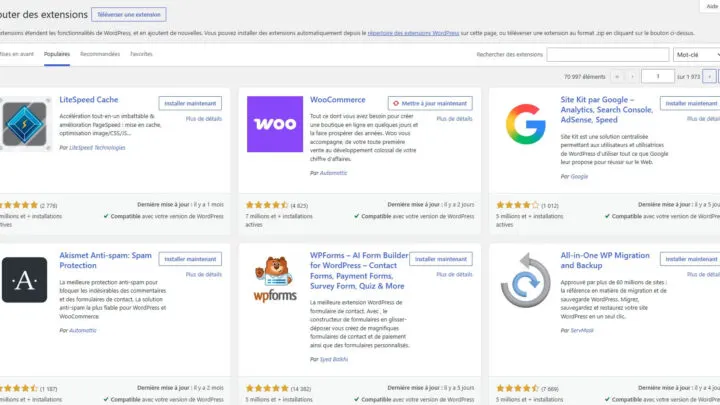
Advanced Custom Fields is a plugin that lets you add content fields to the WordPress edit screens. It is not included in WordPress: you install it from the plugins page.
It is used to store structured data: price, address, duration, the author of a quote.
How do you create a field group?
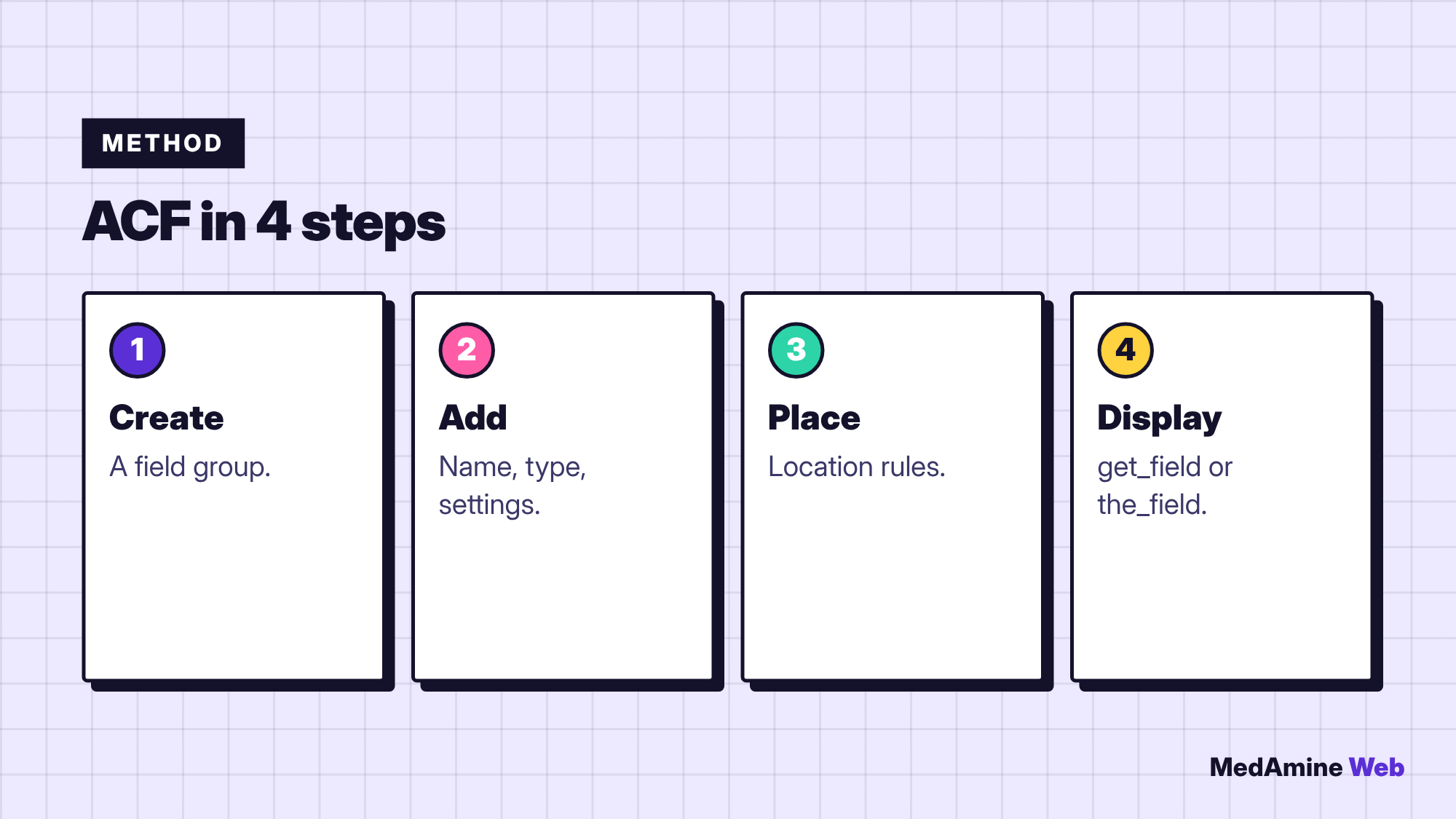
Fields are organised in groups. According to the documentation, a group has a title, fields, location rules and visual settings.
What does each field define?
- The type decides how the field looks (text, image, choice).
- The name decides where the value is saved.
- The settings decide how it works.
- The location rules decide which screens show it.
Choose a clear name, without accents or spaces, because you will reuse it in code.
How do you display values in a template?
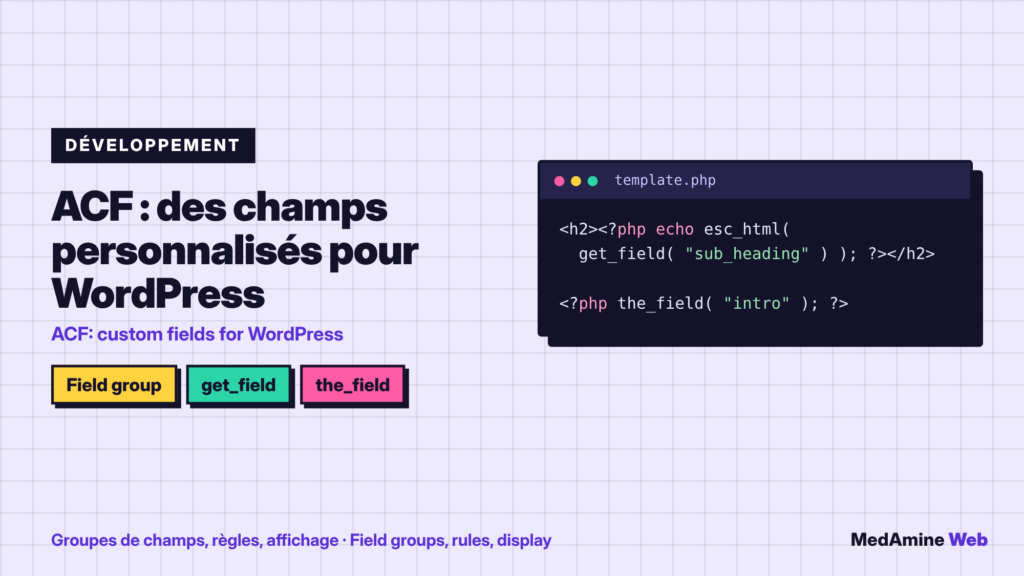
The get_field function returns a field’s value in a PHP variable. The the_field function prints it directly as HTML. The official example wraps get_field in esc_html before inserting it in a heading.
How do you handle repeatable fields?
The documentation shows have_rows and get_sub_field to loop through rows of values, for example a list of strengths. It is the basis for displaying tables or lists managed from the admin.
When should you use ACF rather than blocks?
| Need | ACF | Blocks alone |
|---|---|---|
| Structured data | Yes | Limited |
| Free layout | No | Yes |
| Managed by non-technical people | Yes | Yes |
| Reuse in several templates | Yes | Less simple |
For content of a different kind than posts, pair ACF with a custom post type.
Which pitfalls should you avoid?
- Creating too many fields without using them.
- Renaming a field after content has been entered.
- Forgetting to display a value that was entered.
- Not saving field groups before a migration.
If the need becomes complex, custom development can be cleaner than ten field groups.
How do you test your fields?
Fill in a test item, view the published page and check every value. Also open the page with an empty field, so that the template leaves neither a gap nor an error.
For teams, document the list of fields and their role in a shared file. When a site grows, it is the only way to know what each field is for without digging into the code.
Finally, export your field groups so you can restore them or copy them to another site without recreating everything by hand.
Keep field names stable over time. Renaming a field later can leave existing content orphaned, so plan the names before the first entry.
If several people fill in the fields, add short instructions under each field and default values when possible. It avoids incomplete content and reduces fixes afterwards.
What now?
What you can do today:
- List three pieces of information on your site that deserve a dedicated field
- Choose clear names, without accents or spaces
- Test a field group on a copy of the site
Dig deeper: Custom WordPress Development