
A site of projects, recipes or events does not fit well into posts. A custom post type solves this without mixing content.
Here is what it is for, how to declare it and the rules to follow to avoid conflicts.
What is a custom post type?
It is a family of content you define alongside posts and pages: products, projects, job offers, events. Each type has its own menu in the admin.
It keeps content organised, and the editor can handle each type with suitable fields.
When do you need one?
When content has different fields or its own presentation, and should not mix with posts. A portfolio of projects is the typical example. If the logic becomes complex, think about custom development.
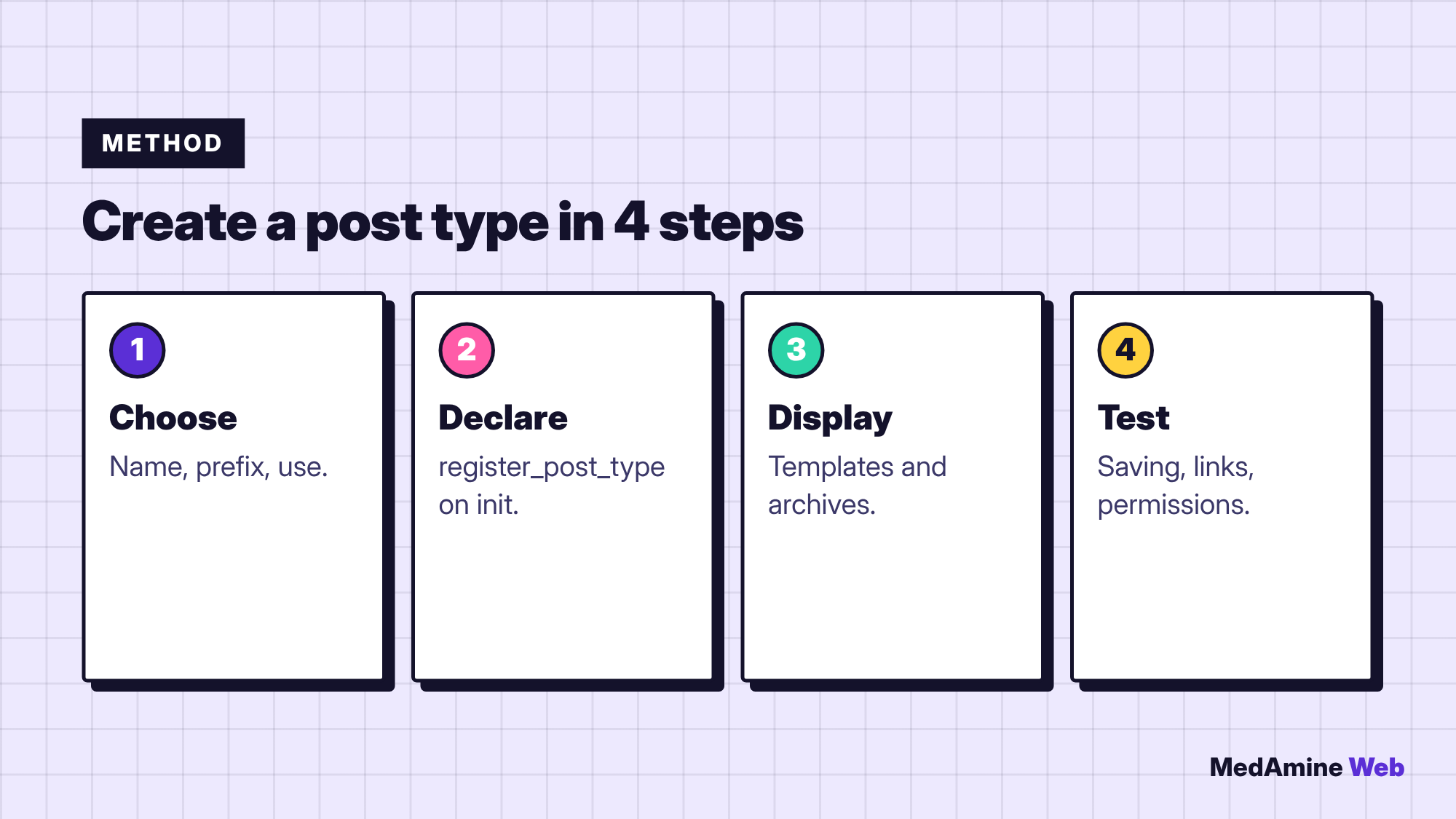
How do you declare it with register_post_type?
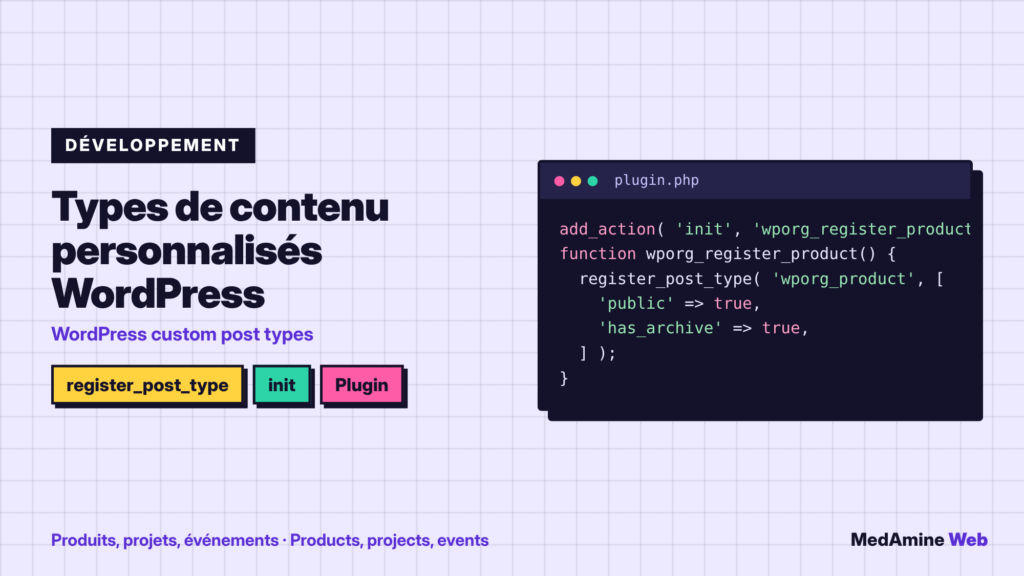
You use the register_post_type() function. The handbook gives the example of a wporg_product type with labels, public and has_archive.
It is called on the init action, after after_setup_theme and before admin_init.
Where should the code go?
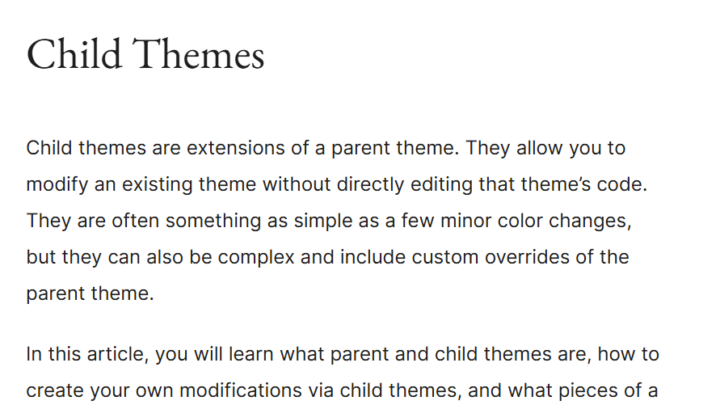
In a plugin, not in the theme. The handbook explains that content then stays portable if you change theme. If you tweak an existing theme, use a child theme.
Which naming rules should you follow?
- Prefix the identifier with a short prefix specific to your site.
- Keep it to twenty characters or fewer, because the
post_typecolumn is limited to twenty. - Do not use the
wp_prefix, which is reserved for WordPress core. - Avoid generic names such as
product, which conflict.
How do you choose the page address?
With the rewrite argument, for example with a custom slug. If two types use the same address, change one of them.
Should you use a plugin rather than code?
| Need | Option | Advantage |
|---|---|---|
| One or two simple types | Code in a plugin | Light, under control |
| Many fields | Fields plugin | Admin interface |
| Business logic | Custom development | Fits the need |
| Quick trial | Post type plugin | Fast to try |
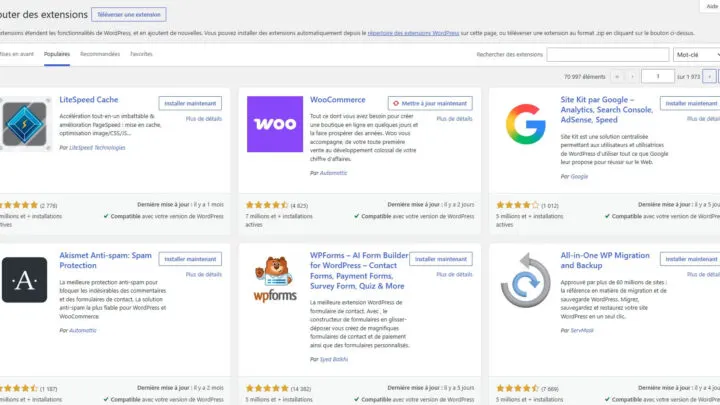
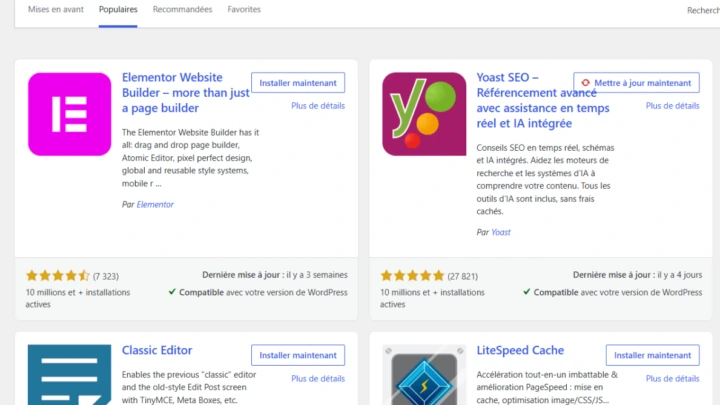
To choose without piling up plugins, read how to install and choose plugins.
What should you test before going live?
Create an item, check its display, its address and its access rights, then save permalinks again if addresses return a 404 error.
Can you add fields to a post type?
Yes, with WordPress metadata or a custom fields plugin. The choice depends on the number of fields and on who will fill them in. For a few simple fields, code is enough; for a rich admin form, a plugin saves time.
Plan from the start how this data will be displayed on the site, because a field that is filled in but never shown is useless.
Finally, document what you created: the type name, its prefix, the plugin that holds it and the templates that display it. Whoever takes over the site, you included in a year, will need it.
If you plan to remove a post type later, export its content first: deactivating the plugin hides the entries but does not delete them from the database.
What now?
What you can do today:
- List the content on your site that is neither a post nor a page
- Choose a short prefix for your identifiers
- Test the code on a copy of the site before production
Dig deeper: Custom WordPress Development