
You edited the CSS of your theme, then an update wiped everything. That is the classic situation that leads to a child theme, a separate layer where your tweaks live.
Here is what it does, how to create it by hand and when you can do without one.
What is a child theme?
According to the official theme handbook, a child theme includes everything its parent theme contains by default: the design and the features. It lets you customise the result without modifying the parent’s files.
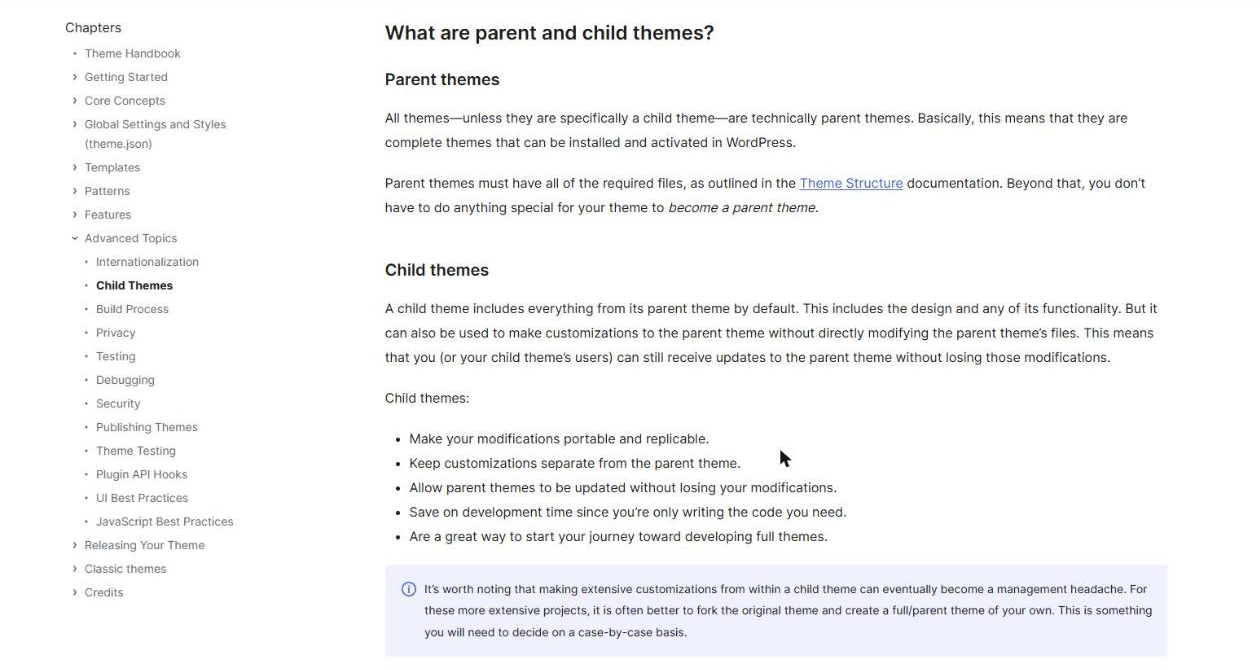
Updates to the parent theme remain possible, without losing your tweaks. The handbook adds that this separation makes your changes portable and replicable.
In practice, the parent theme stays untouched and receives its updates, while the child holds only your differences. If you ever switch themes, that small folder tells you what to redo.
When do you really need a child theme?
Yes, if you edit template files or add PHP code to a theme you did not write. Without a child, the next update will erase those changes.
No, if you only add a few lines of CSS: the Additional CSS area of the customiser keeps them independently of the theme. The handbook also notes that very heavy customisation becomes a headache, and that it is then better to build a full parent theme.
Which files do you need to create a child theme?
The only required file is style.css. It starts with a header comment describing the theme and containing a Template line.
The value of Template must match the folder name of the parent theme exactly, says the handbook. A typo is enough for WordPress not to find the parent.
| File | Role | Required? |
|---|---|---|
| style.css | Theme header and styles | Yes |
| functions.php | PHP code and style loading | Depends on the parent |
| Templates and parts | Replace those of the parent | No |
| screenshot.png | Preview in the themes list | No |
How do you create a child theme step by step?
- Create a folder in
wp-content/themes, with a clear name such as the parent’s name followed by child. - Add the style.css file with its header and the
Templateline. - Add functions.php if the parent does not load its own styles.
- Compress the folder as a zip and upload it from Appearance > Themes > Add.
- Activate the child theme and check that the site looks the same as before.
Make a backup before activating, following my guide to backing up a WordPress site. Changing the active theme changes the display of the whole site.
How do you load the parent theme styles?
If the parent does not load its stylesheet, the child does it from functions.php with the wp_enqueue_scripts hook. The handbook uses Twenty Twenty-Four as an example, which loads no stylesheet.
Block themes often rely on the theme.json file rather than a stylesheet. Read your theme’s documentation before adding code.
A block theme is often customised from the site editor, without writing PHP. The child theme then mainly keeps style settings and templates specific to the site.
How do you modify a parent theme template?
Copy the file you want to change into the child’s folder, with the same name and the same path, then edit the copy. WordPress then uses the child’s version instead of the parent’s.
The handbook says this also applies to template parts and block patterns, whose identifier must stay identical. You can also add files that do not exist in the parent, for example a custom template for one page.
Test each override on a copy of the site first. A template that calls a function missing from the parent can stop the whole page from loading.
Copy only the files you modify. Copying the whole parent theme defeats the purpose of the child, because you would no longer benefit from the fixes the parent receives.
What happens with the functions.php file?
The child’s file does not replace the parent’s. Both are loaded, the child’s first, says the handbook.
Do page builders make the child theme useless?
Not always. A builder like Elementor moves many settings into its own tools, but your PHP additions or modified templates still need protecting. My guide to Elementor explains what the builder handles itself.
When should you call a professional?
Get help if the customisation touches templates, a shop’s cart or PHP functions. I build clean, documented child themes with the custom WordPress development service.
What now?
What you can do today:
- Open Appearance > Themes and check whether your active theme is a parent or a child.
- Spot the changes made directly in the theme and copy them into a notes file.
- Check the exact folder name of your parent theme in wp-content/themes.
Dig deeper: Custom WordPress Development