
Creating a WordPress website takes less time than most people expect, as long as you follow a logical order. Problems almost always come from a step done too early, like installing ten plugins before you have a single page.
Here are the steps in the order I follow them on a simple site, with the settings that save you from starting over. My admin is in French, so the screenshots show French labels. The English names are given in the text.
What should you plan before creating a WordPress website?
You need three things: a domain name, a host and a precise idea of what the site must do. The domain is the address visitors type, and the host is the remote computer that stores your files.
Also list the content you already have: logo, texts, photos, contact details. A site comes together fast when the content exists, and slowly when you write it as you go.
Decide who will maintain the site afterwards. A site is never finished, and someone has to apply updates, answer messages and refresh the content.
Which host should you choose to create a WordPress website?
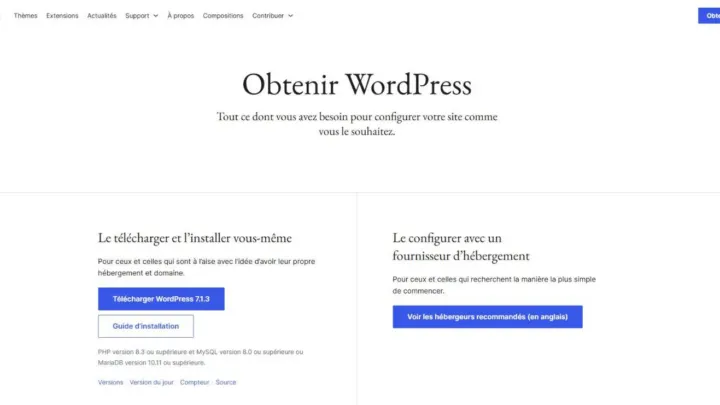
Choose a host that meets the configuration WordPress recommends. According to the official requirements page, that means PHP 8.3 or newer, MariaDB 10.11 or newer or MySQL 8.0 or newer, and HTTPS support.
Apache or Nginx are recommended. If the budget worries you, my article on cheap WordPress hosting lists what to check before you pay.
How do you install WordPress?
Most hosts offer a one-click installer in their control panel. You enter the site name, a username and a strong password, and the installer creates the database and the files.
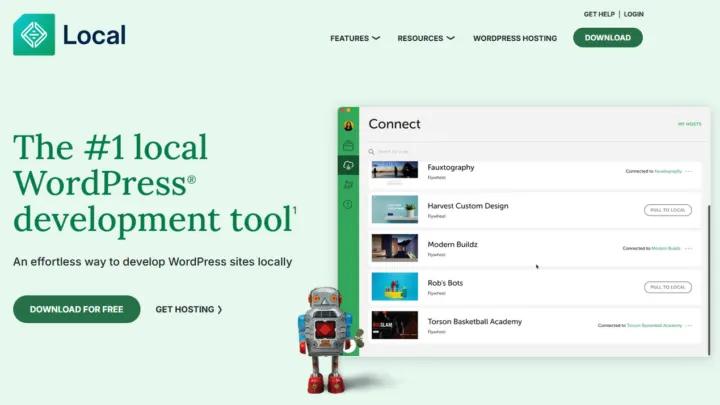
You can also install WordPress by hand from the official archive. I explain where to get it in my guide to downloading WordPress safely. To practise without publishing anything, try a local installation first.
Which settings should you change at your first login?
Open Settings > General. You will find the site title, the tagline, the site icon and the two web addresses, which should start with https if your host provides a certificate.
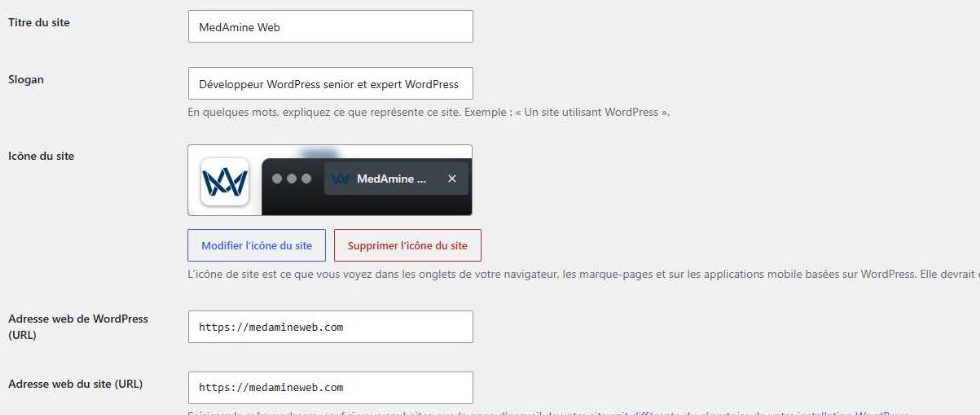
Then go to Settings > Permalinks to pick a readable address structure. In Settings > Reading, make sure the box asking search engines not to index the site is unchecked on launch day.
- Title and tagline: one clear sentence that says what you do.
- Site addresses: the two fields should stay identical in a simple setup.
- Permalinks: choose a readable structure before publishing any page.
- Homepage: pick a static page if you do not want a blog on the front page.
How do you choose and activate a theme?
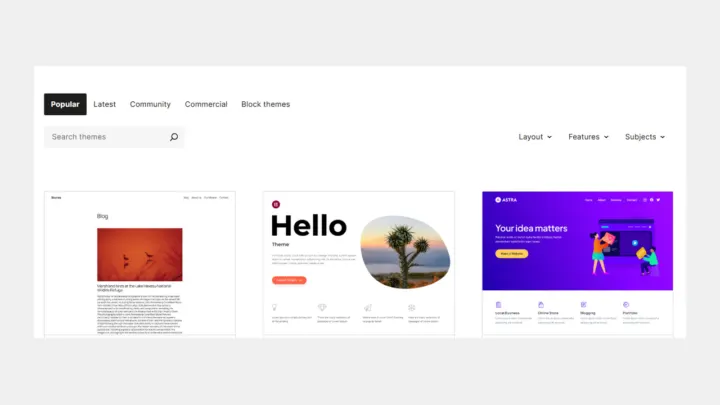
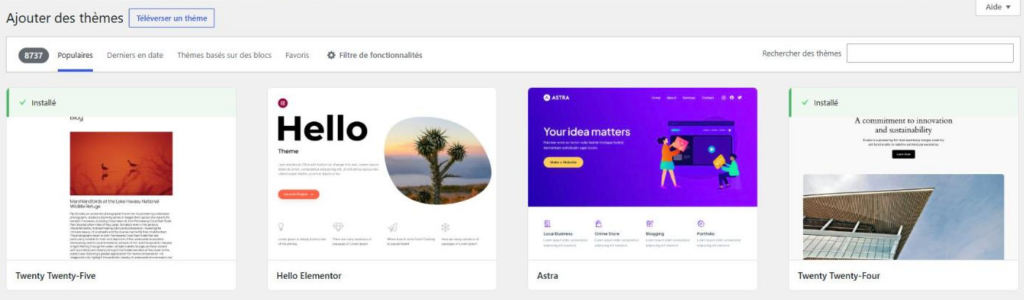
Open Appearance > Themes > Add to browse the themes of the official directory. The screen offers popular themes, the latest ones and block-based themes.
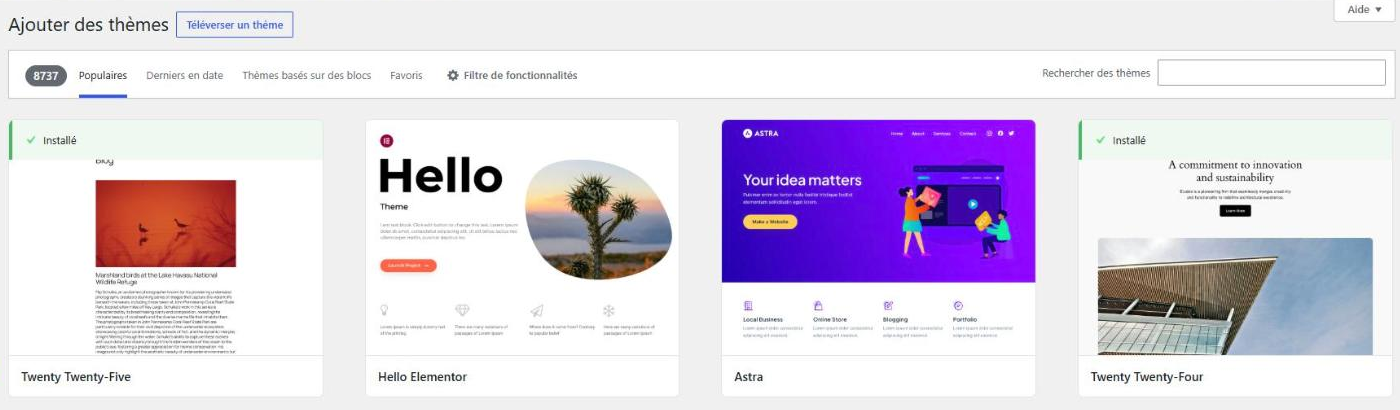
Pick a light theme, updated recently and compatible with your version of WordPress. My article on choosing a free WordPress theme lists the criteria to check on the theme page before installing.
Which pages should you create first?
Start with only a few pages. Add more once you know what your visitors are looking for.
| Page | Purpose | What to prepare |
|---|---|---|
| Home | Say in one sentence what you offer | A button to the contact page |
| Services or products | Present the offer | A short text per offer |
| About | Reassure visitors about who is behind the site | A photo and your background |
| Contact | Let people reach you | A form and an email address |
| Legal notice | Meet the legal duties of the site | Publisher and host details |
Blog posts come later. An empty blog looks worse than a five-page site that is well written.
Which plugins should you add?
Add few plugins, each with a precise role: contact form, security, SEO, backup. Every plugin adds code to maintain and a surface to attack.
How do you prepare the launch?
- Proofread every page on a phone and on a computer.
- Test the contact form and check that the message arrives.
- Make a full backup by following my guide to backing up a WordPress site.
- Check visibility in Settings > Reading, then add a sitemap.
- Turn on updates for WordPress, the theme and the plugins.
When should you call a professional?
You can build a simple showcase site yourself. Get help if you want a custom design, a shop, several languages or flawless speed from day one.
I build fast WordPress sites that are easy to manage with the WordPress website development service.
What now?
What you can do today:
- Write down the domain name you want and check that it is available at a registrar.
- List the five pages your site needs and the texts that already exist.
- Compare two hosts on the PHP version they offer and on HTTPS support.
Dig deeper: WordPress Website Development