
When an application shows your posts elsewhere, or a tool publishes to your site, the REST API is often the link. Many site owners do not know it exists, or that it is open by default.
Here is what it does, how to use it and how to protect it.
What is the WordPress REST API?
It is an interface that lets applications read and write a site’s data as JSON. According to the official handbook, it is also the foundation of the block editor.
Any application that can make HTTP requests and read JSON can use it, whatever the language.
How do you read public content?
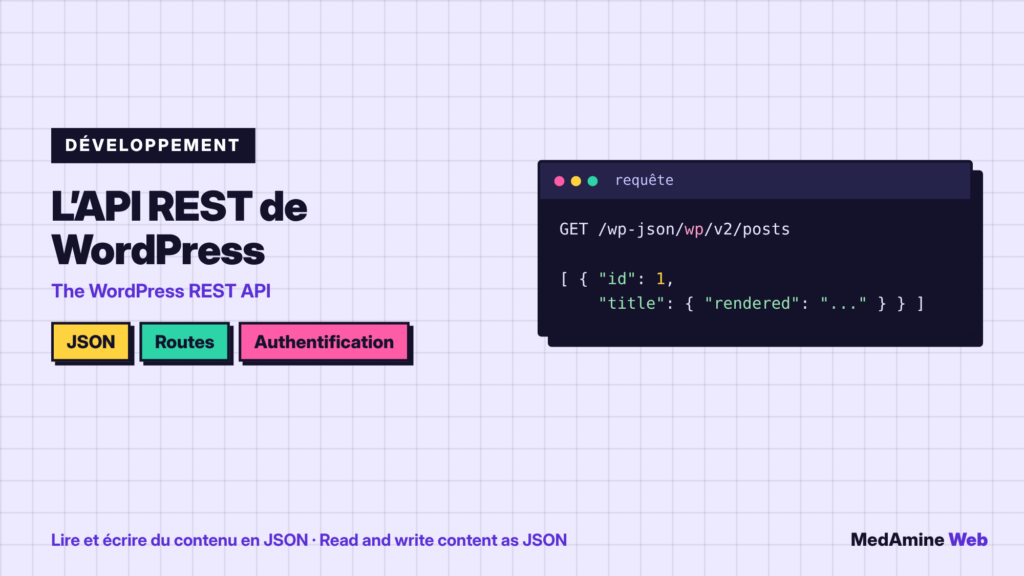
Routes match content types: posts, pages, categories. A GET request on the posts route returns the list as JSON, under the /wp-json/ path.
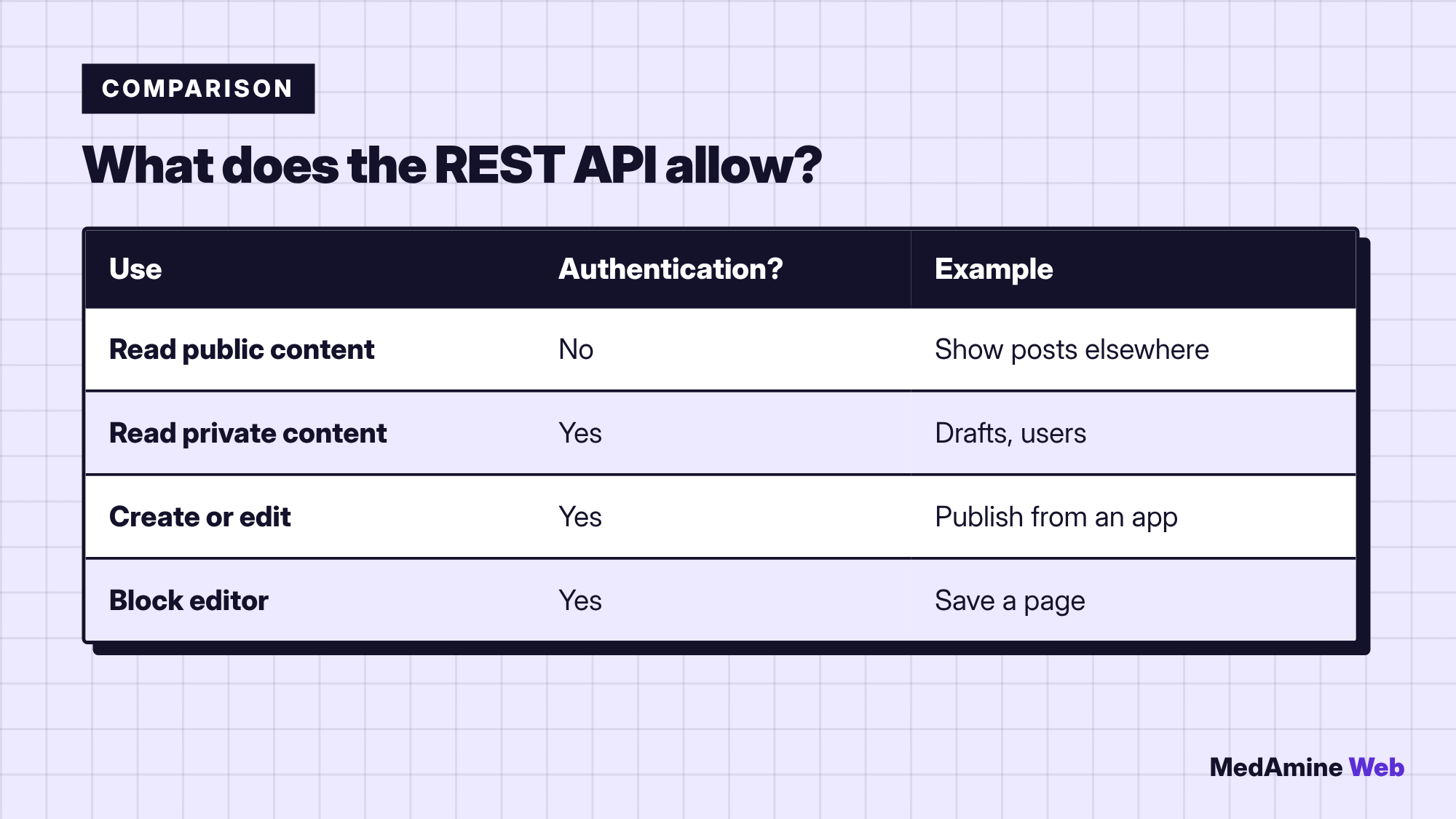
The handbook states that a site’s public content is generally accessible through the API, without authentication.
When must you authenticate?
As soon as content is private, password protected, or when anything is changed. The handbook mentions application passwords as one of the methods. Never put a password in a URL or in public code.
What is it used for in practice?
- A mobile app that shows your posts.
- A separate brochure site that reads content from another site.
- An automation tool that publishes or updates content.
- The block editor that saves your pages.
How do you test it without coding?
- Open the
/wp-json/address of your site in the browser. - Find the posts route in the list.
- Open that route to read the JSON response.
- Then test with a request tool if you need to write.
Is the REST API a security risk?
It exposes what the site considers public, sometimes including usernames. Check what is visible, update plugins and limit account rights. I detail the basics in how to secure WordPress.
When should you create your own route?
When an application must read or write data that does not exist in WordPress, for example business data. This is a case of custom WordPress development, to scope with a clear schema and precise permissions.
Can you do without it?
Yes for a classic site with no external application. But since the block editor uses it, you go through it anyway when you write.
Before offering it to a third party, decide who should reach it and with which rights. An account created for an integration should only hold the permission it needs, and be deleted when the integration ends.
Also document custom routes: their name, their role and the person who maintains them. Without that, they quickly become a forgotten corner of the site.
Finally, keep an eye on access. Server logs show which routes are called and how often: an unusual spike deserves a check, especially if an external tool queries the site in a loop.
If you use a security plugin, read its REST API settings carefully: some of them restrict anonymous access, which is useful for private data but can break an integration you forgot about.
What now?
What you can do today:
- Open the /wp-json/ address of your site and read the route list
- Check which user details appear publicly
- List the tools connected to your site through an app or an application password
Dig deeper: Custom WordPress Development