
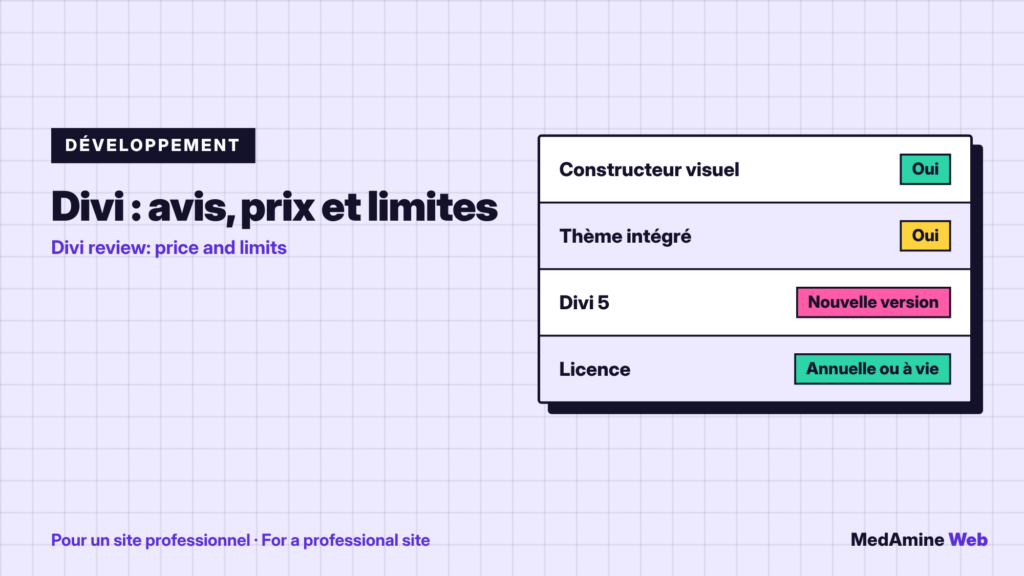
Divi is one of the best known page builders for WordPress. Its name comes up whenever people talk about rebuilding a site without a developer.
Here is what it does, what the vendor displays as prices, where it really helps and where I prefer another approach.
What is Divi?
Divi is a WordPress theme and a drag-and-drop page builder published by Elegant Themes. According to the official page, you design pages live on a canvas, without writing code.
It also includes a Theme Builder to create header, footer and page templates, plus ready-made layouts and WooCommerce modules.
What does Divi 5 change?
The vendor presents Divi 5 as a rebuild focused on performance and design systems: global variables, class-based presets, no-code interactions and an AI agent that builds pages from a description.
These promises come from the vendor. Test them on your own site before drawing a conclusion, because results depend on your content, your theme settings and your hosting.
How much does Divi cost?
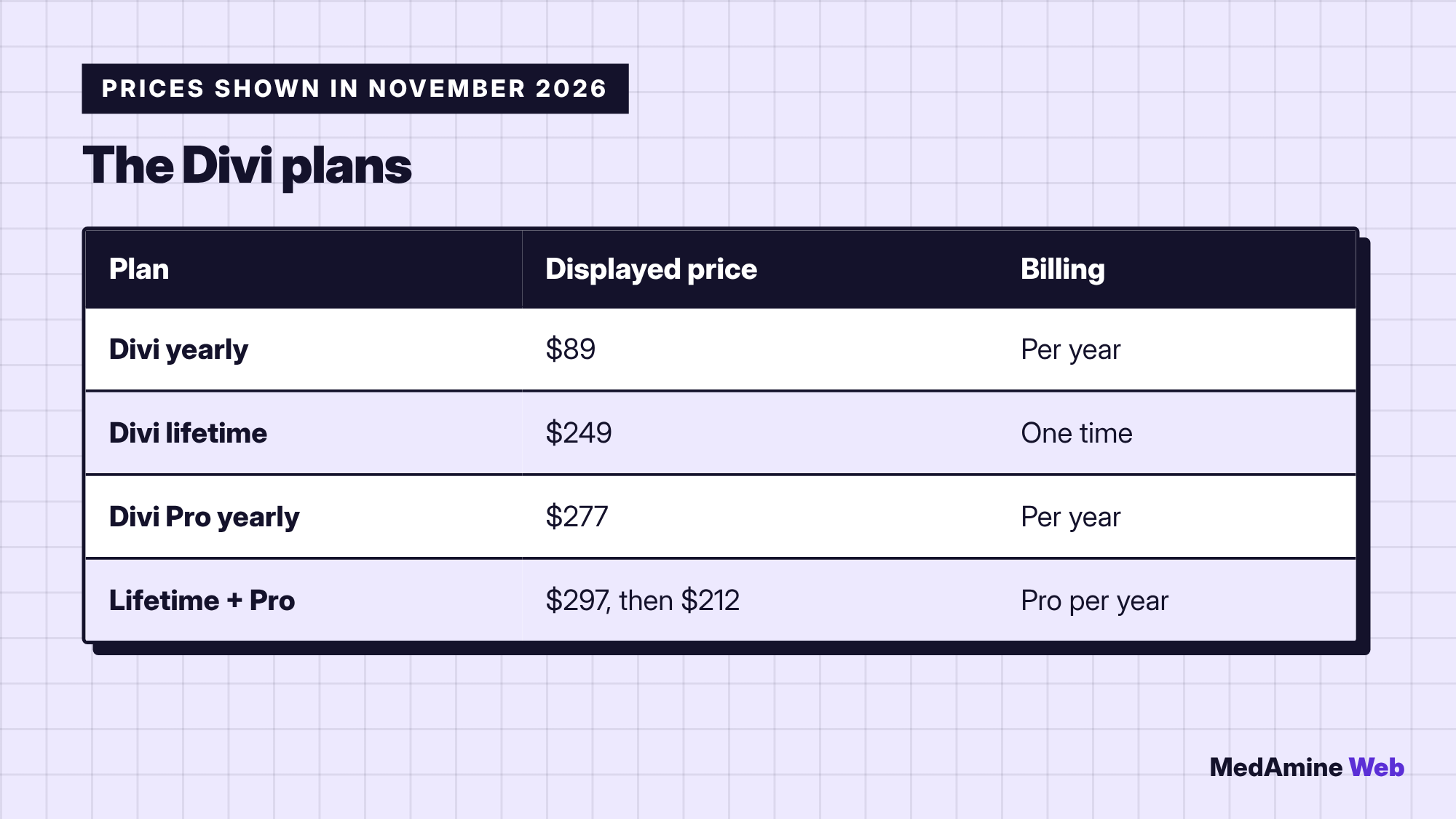
These prices come from the official page consulted in November 2026 and may change. Pro plans add priority support and AI services, among other things, and the page announces a thirty-day money-back guarantee.
What are Divi’s strengths?
- Compose pages without coding, with a live preview.
- Edit the header and footer with the Theme Builder.
- Reuse design presets across the whole site.
- Use the same tool on unlimited sites, according to the vendor.
What are Divi’s limits?
A builder adds a layer between the content and the browser. Depending on how pages are built, page weight and load time can go up.
It also creates dependence: if you leave the tool, the page formatting often needs rework, and the cost of that rework is rarely counted at the start. I compare this logic with another builder in the Elementor guide.
Is Divi fast?
It depends on the page, the hosting and the configuration, not only on the tool. Always measure with PageSpeed Insights on a real page before committing.
For the causes of slowness, see why a WordPress site is slow.
When should you pick Divi, and when something else?
| Situation | Divi? | Why |
|---|---|---|
| Brochure site you build yourself | Yes | Visual layout without code |
| Several sites to manage | Yes | Licence usable on unlimited sites |
| Very fast and lean site | Often no | A light theme with blocks is enough |
| Very specific features | No | Custom development is cleaner |
A concrete example
A consultant wants an eight-page site and will redo her layouts herself every quarter. A visual builder saves her time, and the cost of a licence stays reasonable.
A company that sells online and aims for a very low load time will rather start from a light theme and blocks, then have its specific features developed. The criterion is the need, not the popularity of the tool.
How do you test Divi safely?
- Install WordPress locally or on a test site.
- Build a typical page with your real content.
- Measure speed and accessibility with PageSpeed Insights.
- Decide after that test, not on the vendor’s demo.
What now?
What you can do today:
- Build a test page with your real content before you buy
- Measure that page with PageSpeed Insights on mobile
- Compare the three-year cost with a light theme and the block editor
Dig deeper: Custom WordPress Development