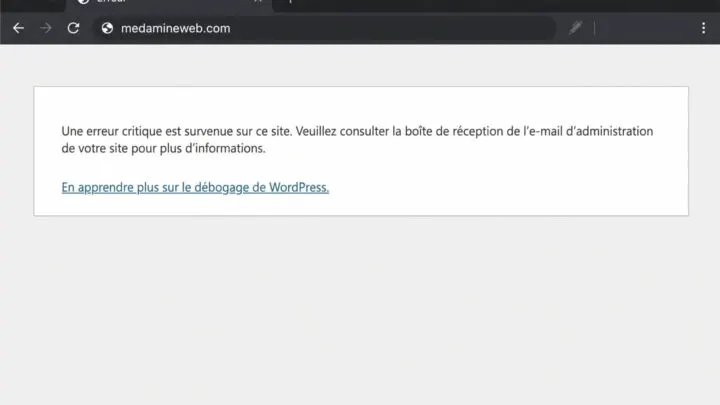

A hacked site is a race against the clock. Every hour, visitors can be redirected to dodgy sites and Google can show a warning in its results. Here is what I do, in order, when a client calls me about a hacked WordPress site.
How do I know if my WordPress site has been hacked?
- Visitors get redirected to gambling, pharmacy or fake prize sites, often only on mobile or when they arrive from Google.
- Pages in a foreign language or spam links show up in Google (search for
site:yoursite.com). - An administrator account you don’t recognise appears under Users.
- Search Console reports a “security issue” or the browser shows a warning.
- Your host suspends the site or reports a flood of outgoing email.
Should I take the site offline?
If the site redirects your visitors or spreads malware, yes. Turn on a maintenance page at the hosting level while you clean up. You protect your visitors and your reputation, and Google prefers a site that’s briefly unavailable to one that’s dangerous.
What to do in the first hour
- Back up the current state, infected or not, somewhere off the server.
- Change every password: WordPress admin accounts, your hosting control panel, SFTP/FTP and the database.
- Delete unknown accounts and check the roles of the remaining ones.
- Regenerate the security keys in
wp-config.phpto log out every session.
How do you clean a hacked WordPress site?
Keep only what is clean and replace everything else with official copies. With WP-CLI, start by checking the integrity of the core files:
wp core verify-checksums
wp plugin verify-checksums --all- Reinstall WordPress, the theme and the plugins from their official sources (never a “nulled” version).
- Look for PHP files in
wp-content/uploads, where there should be none. - Check
wp-config.php,.htaccessand the scheduled tasks. - Inspect the database: changed options, scripts injected into content, added users.
How do you find how the hacker got in?
Skip this step and the site will be hacked again within days. The usual causes are an outdated plugin or theme with a known vulnerability, a pirated plugin downloaded outside the official directory, a weak or reused password, or another poorly protected site on the same hosting account. Server access logs and file modification dates help you piece together what happened.
How do you stop it happening again?
- Update the core, the theme and the plugins regularly.
- Delete unused plugins and themes.
- Turn on two-factor authentication for administrators.
- Set up an application firewall and off-site backups.
What to back up before cleaning
Two separate copies: the infected site, kept aside for analysis, and the last backup you believe is clean. Don’t restore that one blindly. If the hack is several weeks old, it may already contain the backdoor. Check the dates of the modified files against the period when the first symptoms appeared.
- The site’s files (at least
wp-contentandwp-config.php). - A full export of the database.
- The server access logs, if your host provides them. They often show the URL used for the attack.
Signs the cleanup wasn’t complete
A “cleaned” site that gets hacked again a few days later is very common. It almost always means a malicious file was left behind or the hole was never fixed.
- A deleted administrator account comes back.
- PHP files with random names keep reappearing in
uploads. - Redirects that only show up for mobile visitors coming from Google.
- A security warning that returns in Search Console after the review.
How do I get Google to remove the warning?
Once the site is clean and the hole is fixed, open the “Security issues” report in Search Console, describe what you did and request a review. Be specific: files deleted, plugins updated, passwords changed. Google removes the warning once it has validated the fix.
What now?
What you can do today:
- Check that every administrator account is legitimate.
- Write down the date of your last off-site backup.
- List the plugins that haven’t been updated in more than 6 months.
Dig deeper: WordPress Maintenance
When should you call a professional?
If the site brings in sales or leads, if the hack comes back after a first cleanup, or if Google shows a warning, a professional will save you time and make sure no backdoor is left behind. After the cleanup, remember to request a review in Search Console.